158 Intel
®
RAID Software User’s Guide
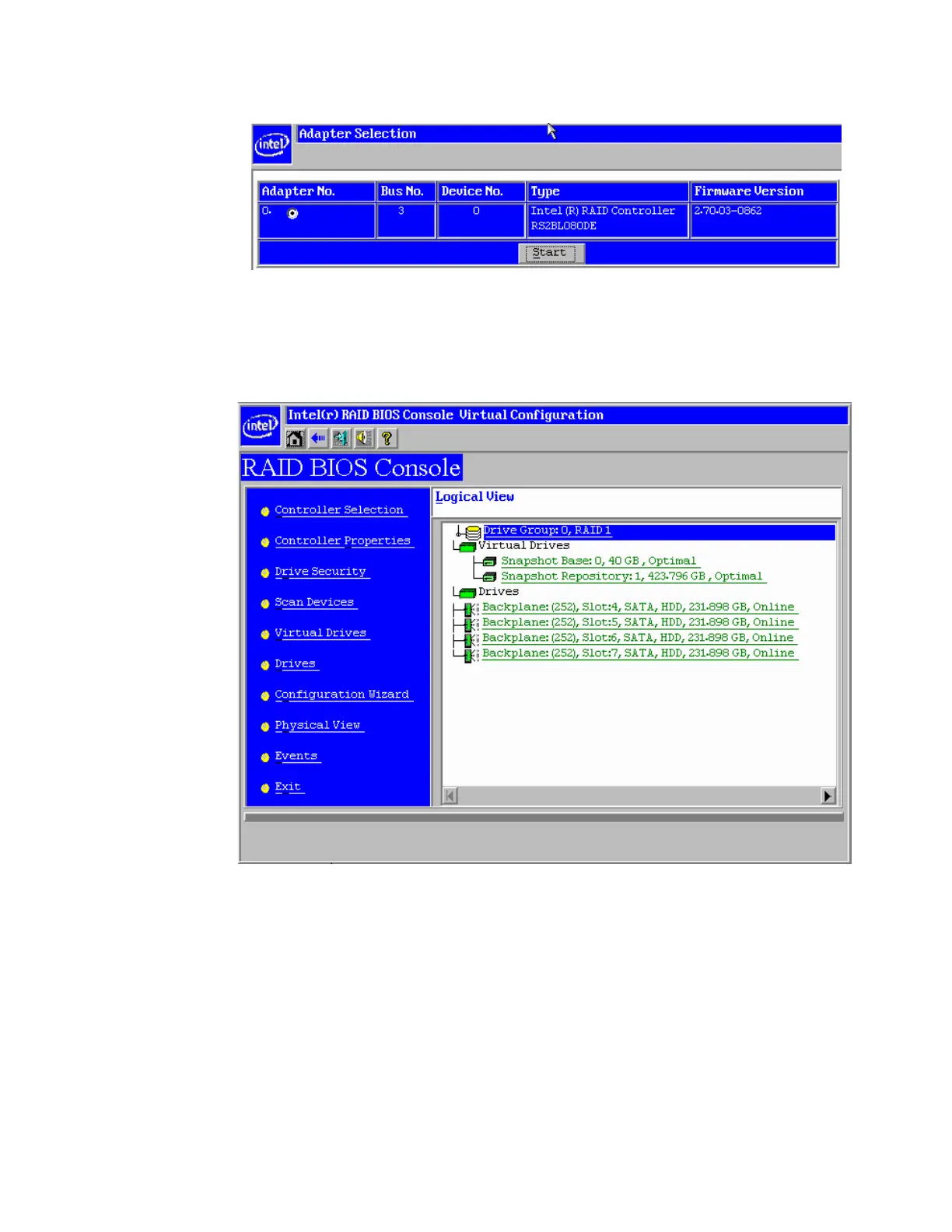
Figure 116. Adapter Selection
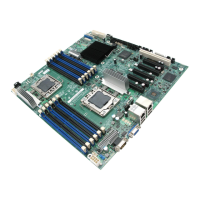
25. In the home page, from the Logical View in the right panel, click the Snapshot Base
which has the operating system installed.
Figure 117. Selecting Snapshot Base
26. In the new screen, select Adv Opers (which means Advanced Operations), and click
Go.



 To Next Page