164 Intel
®
RAID Software User’s Guide
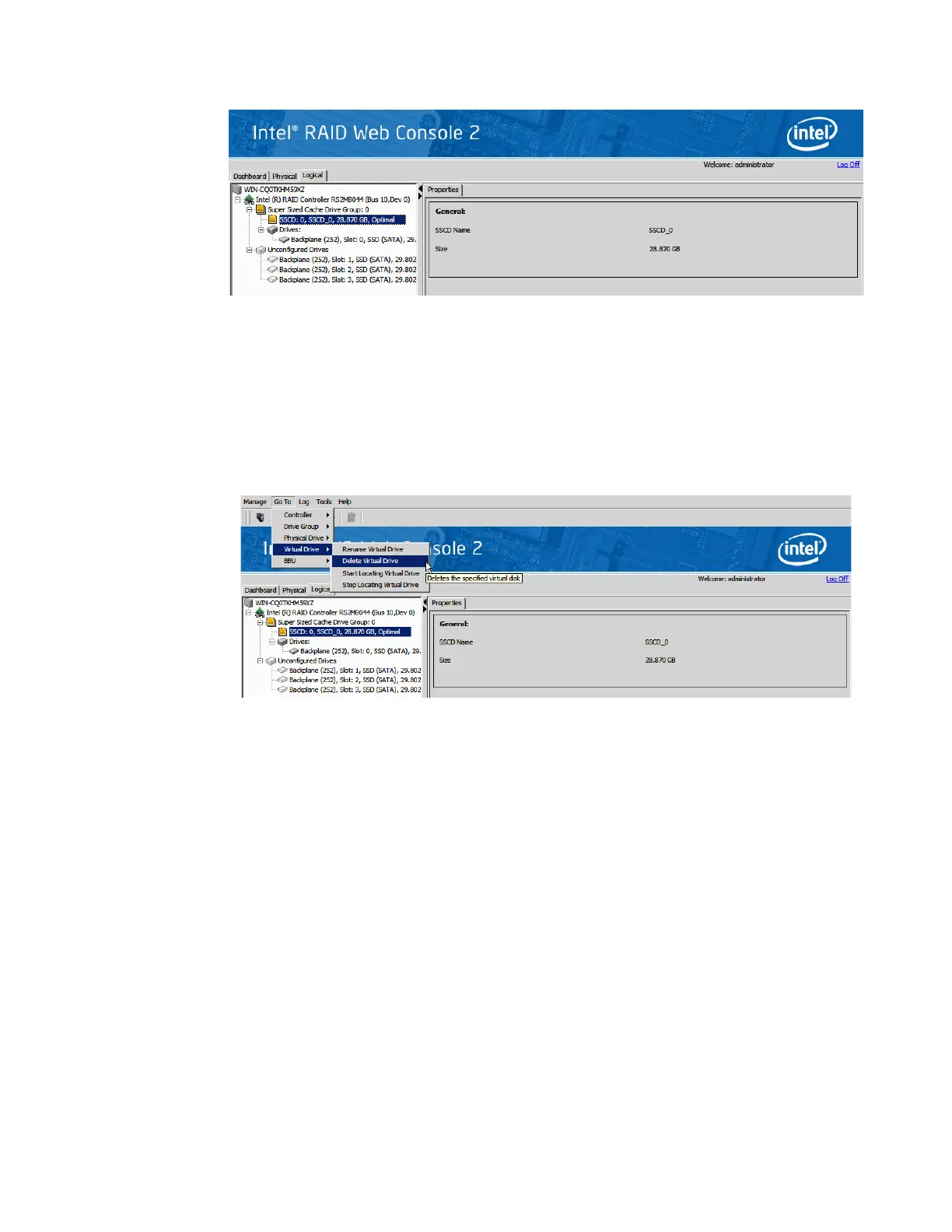
Figure 127. SSCD status shown
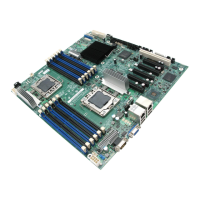
6. Following steps delete a Super Sized Cache disk:
Click the Logical view tab on the main menu screen; Click the SSCD virtual drive in
the left frame; Click Go To -> Virtual Drive -> Delete Virtual Drive on the menu bar.
Figure 128. Delete SSCD
7. A confirmation dialog box appears. Check the box next to the Confirm field and click
Yes . The SSCD is deleted.



 To Next Page