Intel
®
RAID Software User’s Guide 161
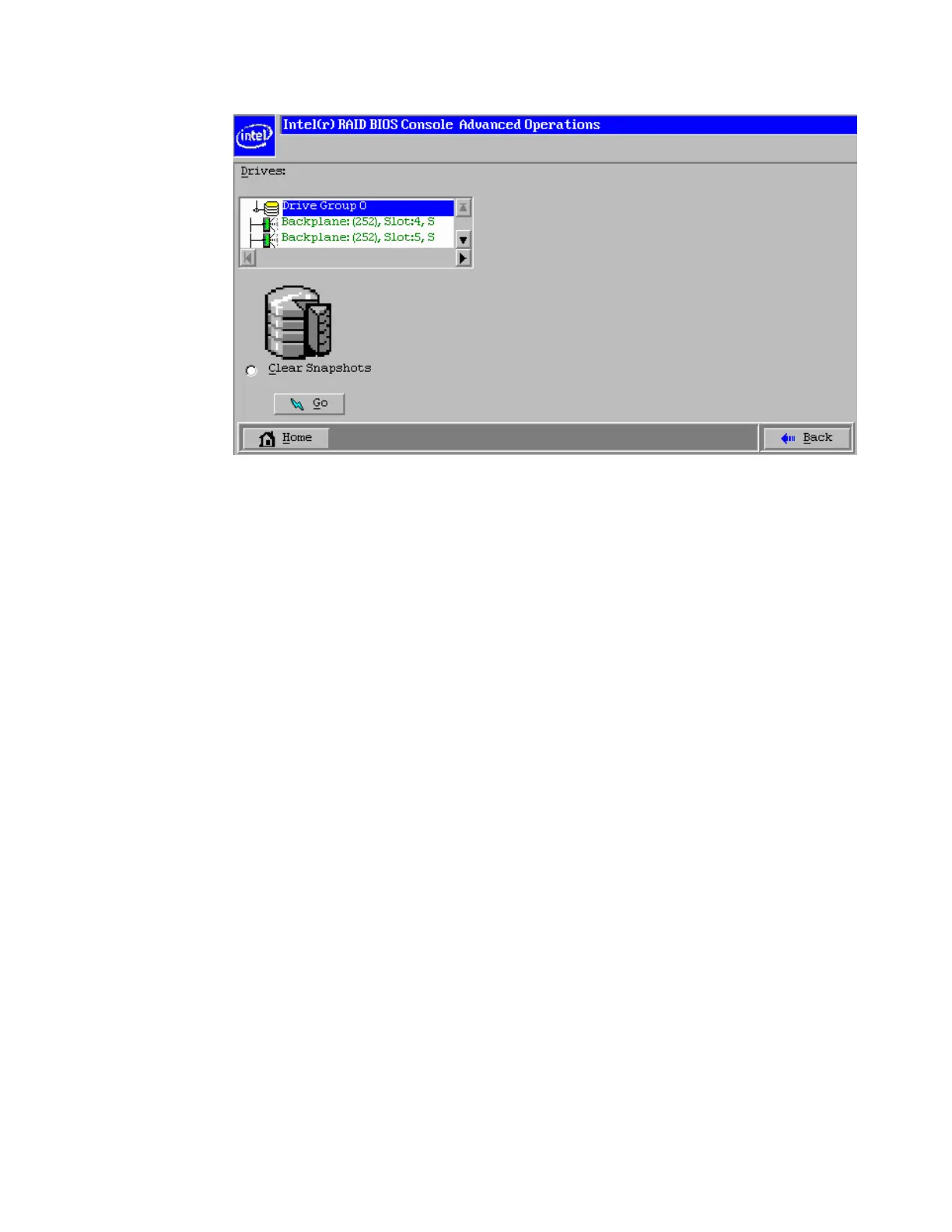
Figure 122. Rollback operation is done
Enabling Super Sized Cache
This feature is supported by Intel
®
RAID Controllers with Intel
®
RAID Premium Feature Key
AXXRPFKSSD installed. Refer to Intel
®
RAID Premium Feature Key AXXRPFKSSD,
AXXRPFKDE, and AXXRPFKSNSH Installation Guide (E88588-00x) for physical
installation of the Premium Feature Key.
Super Size Cache (SSC) using Solid State Devices (SSD) as controller cache allows for very
large data sets to be present in that cache to improve overall application performance. SSC
anticipate up to a five times performance improvement in READ-intensive applications and
provide maximum IOPs.
This solution is ideal for cost sensitive server environments, by offering a high-performance
upgrade that requires only a small investment in SSD technology. This solution also reduces
the need to invest expensive IT cycles to hand-tune applications running on hard drive-only
disk arrays.
Detailed Configuration steps are as below:
1. Select the Dashboard view. Click Create super sized cache (SSC) in the Actions tab;
Or right click the RAID Controller and select Create SSCD (Super Sized Cache
Drive).



 To Next Page