24
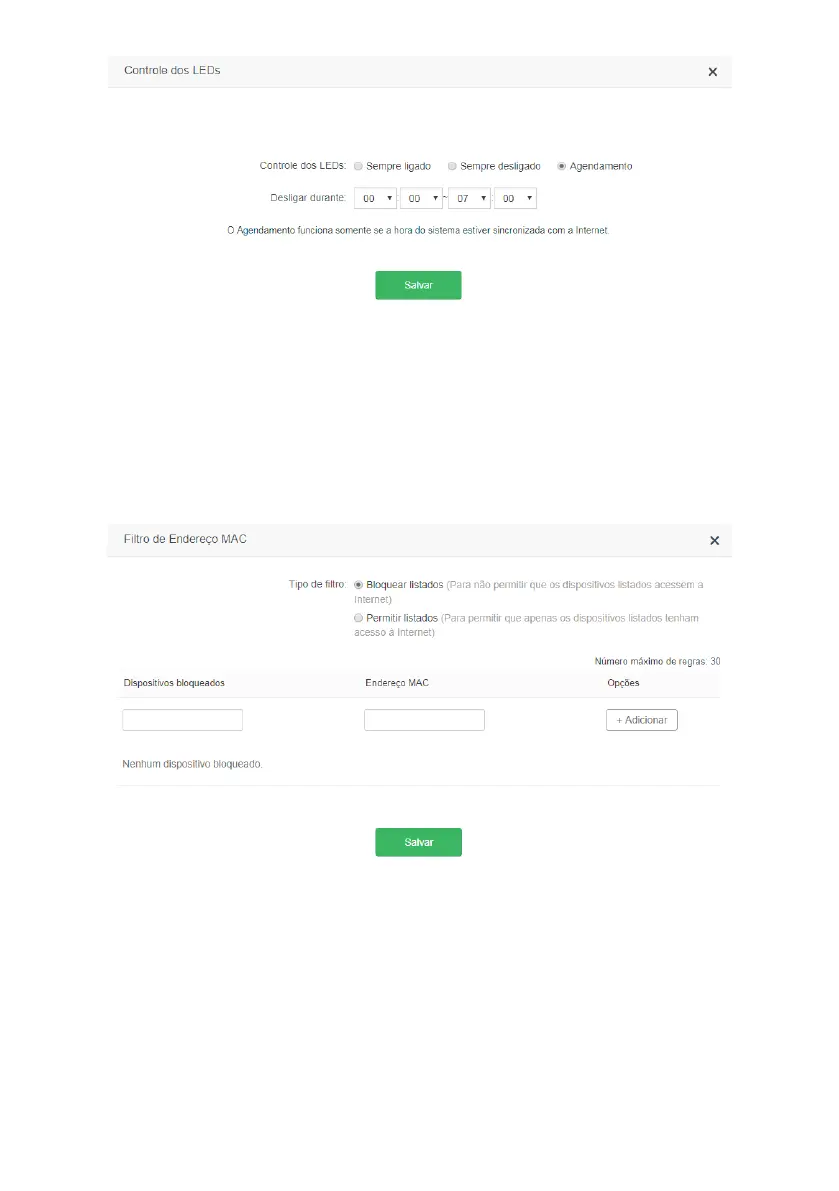
LED control conguration screen
In the menu
LED Control
you can control the LEDs (front lights) of the router. The following options are available:
» Always on:
Normal operation of the LEDs as indicated in the
LED Description
of item
1. Especicações técnicas
.
» Always off: the LEDs on the router will always be off.
» Scheduling: in this option you can set the time that the LEDs will be off. By selecting
Scheduling
, you can choose the
time in the option
turn off during.
Note: Scheduling works only if the system time is synchronized with the Internet.
MAC address lter
MAC address lter conguration screen
The
MAC Address Filter
allows you to control Internet access to certain devices on your network, directly on your router.
The blocking is done through the MAC address of the device (smartphone, tablet, computer, etc.) that you want to
block or allow.
» Filter type: allows you to switch between lter mode. The available modes are
Block listed
(blocks devices listed in the
rules) and
Allow listed
(allows only devices added to the rules to access the Internet).



 To Next Page