32
3. Release the button
RST/WPS
and wait while the setting is restored. This will take about 2 minutes.
After restoring the settings, the router will return all parameters to the factory default, so if you want to use it again,
you will have to make the necessary settings again.
Firmware update
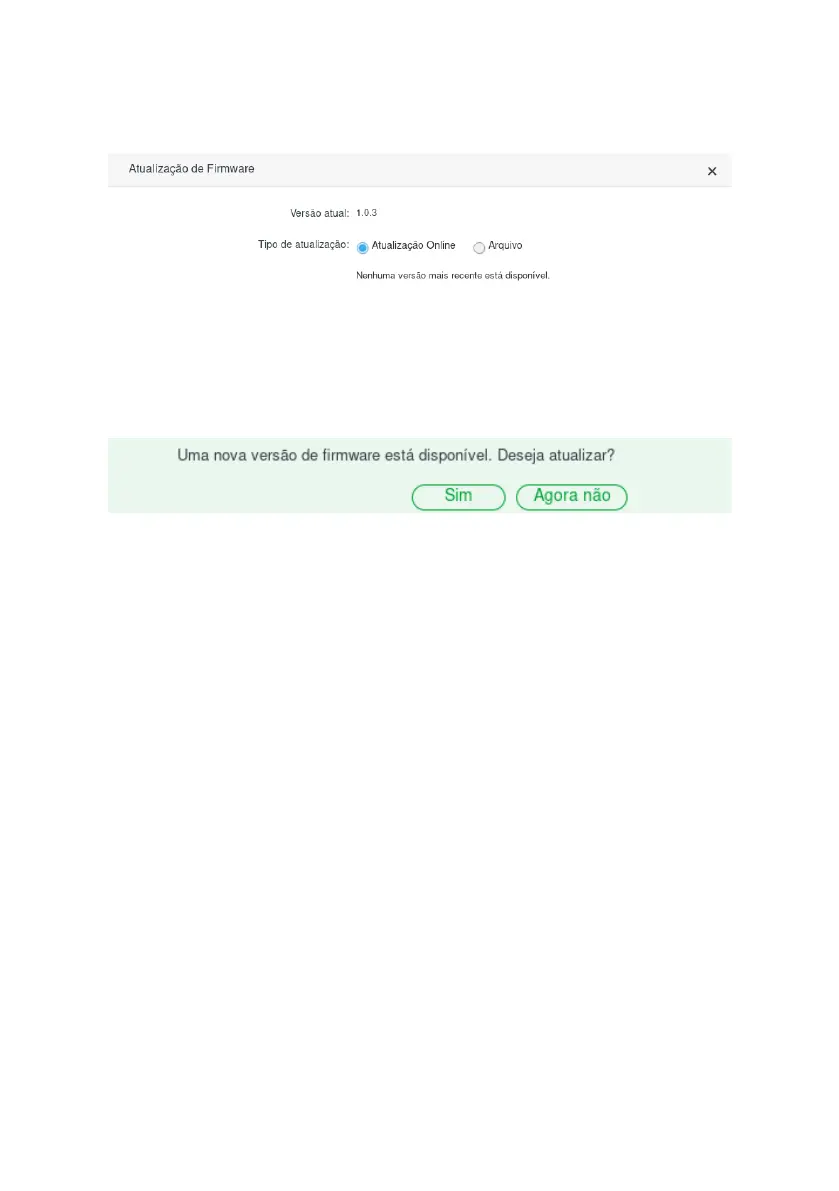
Firmware update screen
When an update is available, ACtion RF 1200 will display a warning when accessing the conguration web interface.
To update, simply click
Yes
and then
Update
.
New version available message
To update your router rmware manually, you must go to the menu
System Settings>Firmware update
and choose the
type of update:
»
Online
update: if a new rmware version is available just click on
Update
and follow the screen procedures. If no newer
version is identied the message
No newer version is available
will appear.
» File: to update the router using a rmware le, simply browse for the le in the option
Select the rmware le
and click
Update
. The latest version of the software for your router can be found at our website.
Backup/restore



 To Next Page