55
SELECT LOCAL TRACKING SIGNAL
▲ 1
0000MHz ▼ NBD
1
4
7
2
5
8
3
6
9
←
0
·
Antenna Cont rol Unit
OK
M
R
F
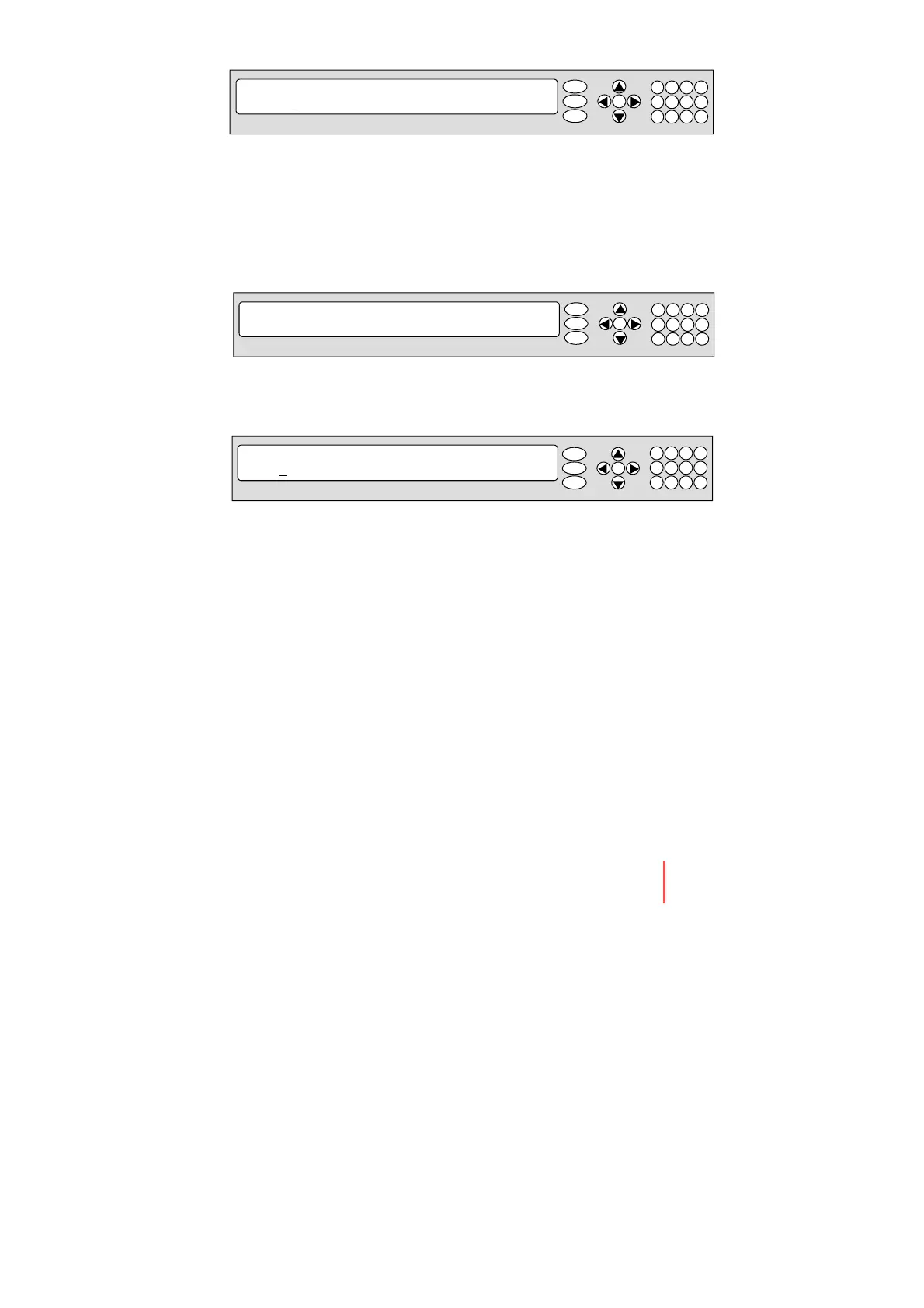
6. Set the LNB LOCAL frequency and TRACKING SIGNAL1) .
Press LEFT and RIGHT arrow keys until the desired character is underscored
(selected). Press UP and DOWN arrow keys to increase or decrease the value.
Or press NUMBER keys to set the desired value directly. Press OK key to set the
parameter.
Tracking Signal 1)
-NBD
-DVB
RX POL TX POL
▲ VERT. ▼ HORI.
1
4
7
2
5
8
3
6
9
←
0
·
Antenna Control Unit
7. Set the RX POL and TX POL
To select the polarity for both RX (receive ) and TX (transmit ) pol.
Press UP and DOWN arrow keys to select VERTICAL or HORIZONTAL . Press OK
key to set the parameter.
OK
M
R
F
DVB FREQ. SYMBOL NID
▲ 1
1747MHz ▼ 21300KHz 0x00AD
1
4
7
2
5
8
3
6
9
←
0
·
Antenna Control Unit
OK
M
R
F
8. Set the DVB FREQUENCY, SYMBOL RATE and NID when choose to use DVB on
tracking signal .
45,000 is the maximu m allowed symbol rate value. NID (network ID) range is from
0x000 to 0xFFFF (hexadecimal digit) .
Press LEFT and RIGHT arrow keys until the desired character is underscored
(selected). Press UP and DOWN arrow keys to increase or decrease the value.
Or press NUMBER keys to set the desired valu e directly. Press OK key to set the
parameter.
Operating the ACU


 To Next Page
 Loading...











