60
V110 – Marine Satellite Communication System
Set Modem Port
SETUP MODE ?
→ YES NO
1
4
7
2
5
8
3
6
9
←
0
·
Antenna Control Unit
3. Press DOWN arrow keys to move cursor to COM. PORT and press OK key to
enter COM. PORT menu.
+ANTENNA +SATELLITE
→+SYSTEM +INSTALLATION
1
4
7
2
5
8
3
6
9
←
0
·
Antenna Control Unit
1. Press LEFT arrow key to move cursor to YES and press OK key to enter setup
mode.
2. Press DOWN arrow key to move cursor to SYSTEMand press OK key to enter
SYSTEMmenu.
OK
M
R
F
OK
M
R
F
◀
+SET LOCAL +SET LOCATION
▶
→+MODEM PORT +BACKUP & RESTORE
1
4
7
2
5
8
3
6
9
←
0
·
Antenna Control Unit
OK
M
R
F
MODEM PORT PROTOCOL
▲ ETHERNET ▼ I/O CONSOLE
1
4
7
2
5
8
3
6
9
←
0
·
Antenna Control Unit
OK
M
R
F
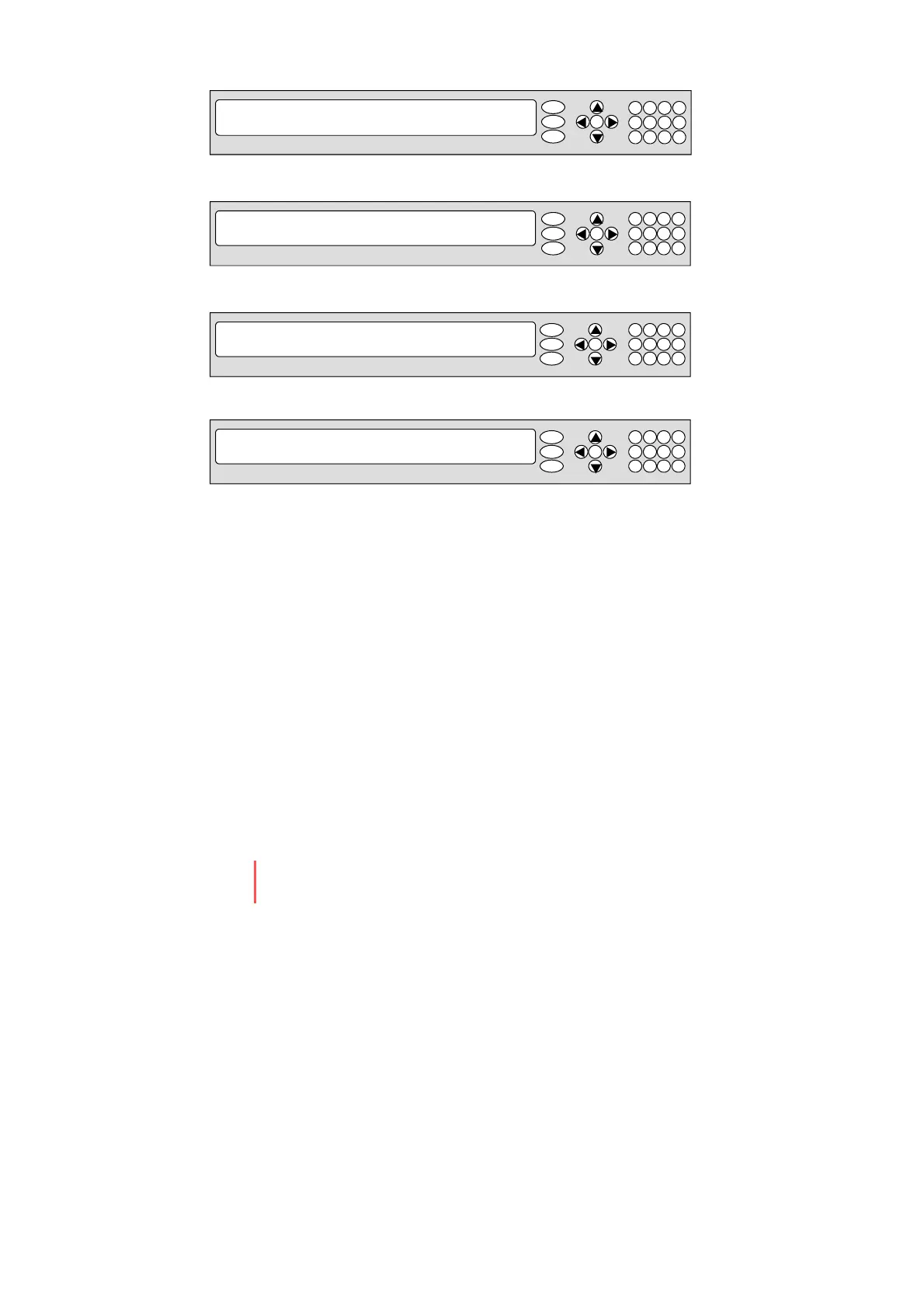
4. Set the MODEM PORT 1) and PROTOCOL 2)
To select a proper communication port and protocol on the ACU to interface with the
satellite modem. Press UP and DOWN arrow keys to select th e correct parameter
and press OK key to set the parameter.
Modem Port 1)
- ETHERNET
-RS422
-RS232
Protocol 2)
- I/O Console
-Open AMIP


 To Next Page
 Loading...











