6
6.
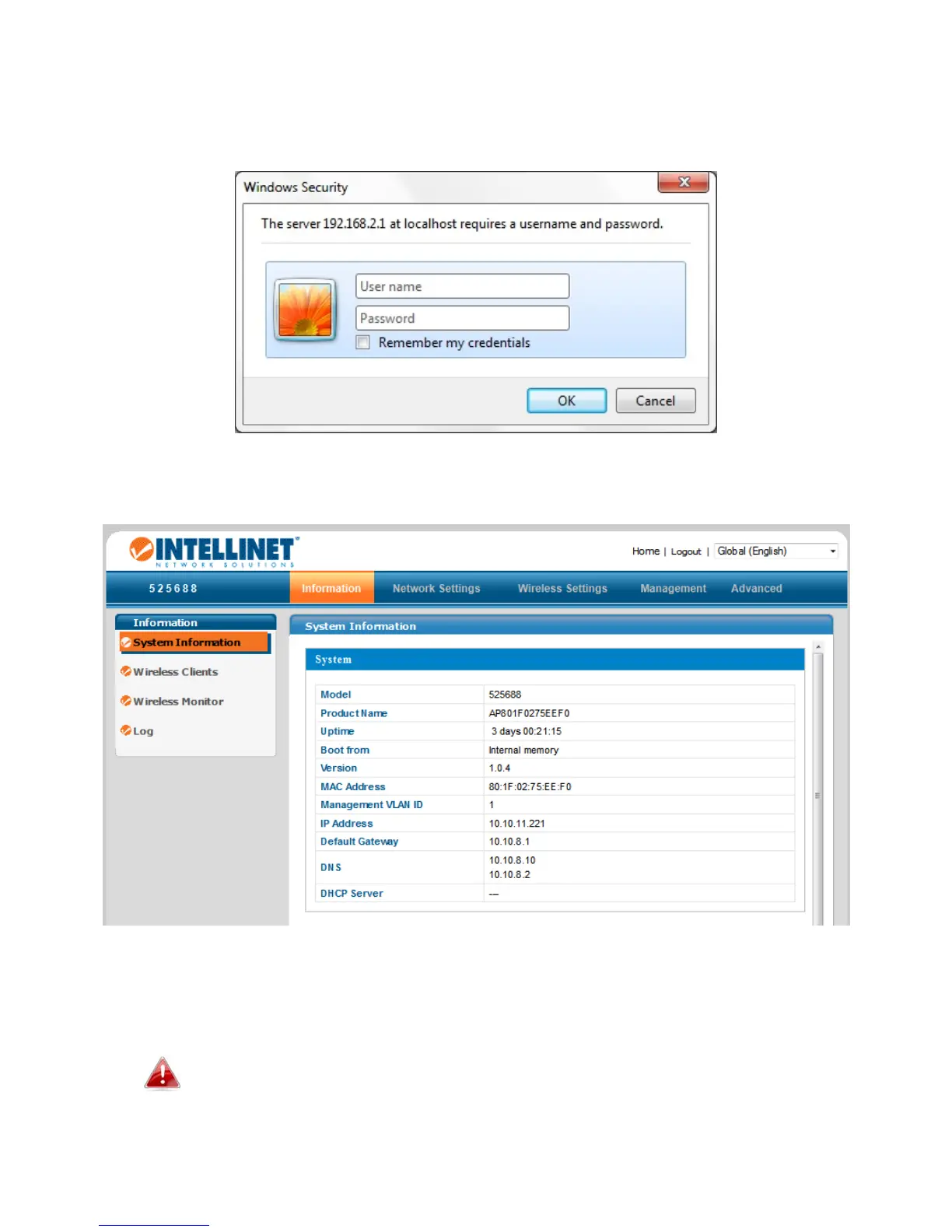
Youwillbepromptedforausernameandpassword.Enterthedefault
username“admin”andthedefaultpassword“1234.”
7.
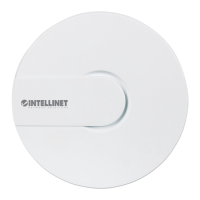
YouwillarriveattheSystemInformationscreenshownbelow.
8.
Next,followtheinstructionsbelowinII‐2.BasicSettingstoconfigurethe
accesspoint’sbasicsettings.
Formoreadvancedconfigurations,refertoIV.BrowserBased
ConfigurationInterface.



 To Next Page