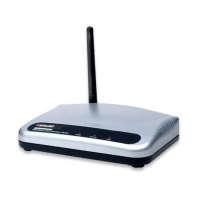
High-Power Ceiling Mount Wireless 300N PoE Access Point
55
5.1.4 MacOSX
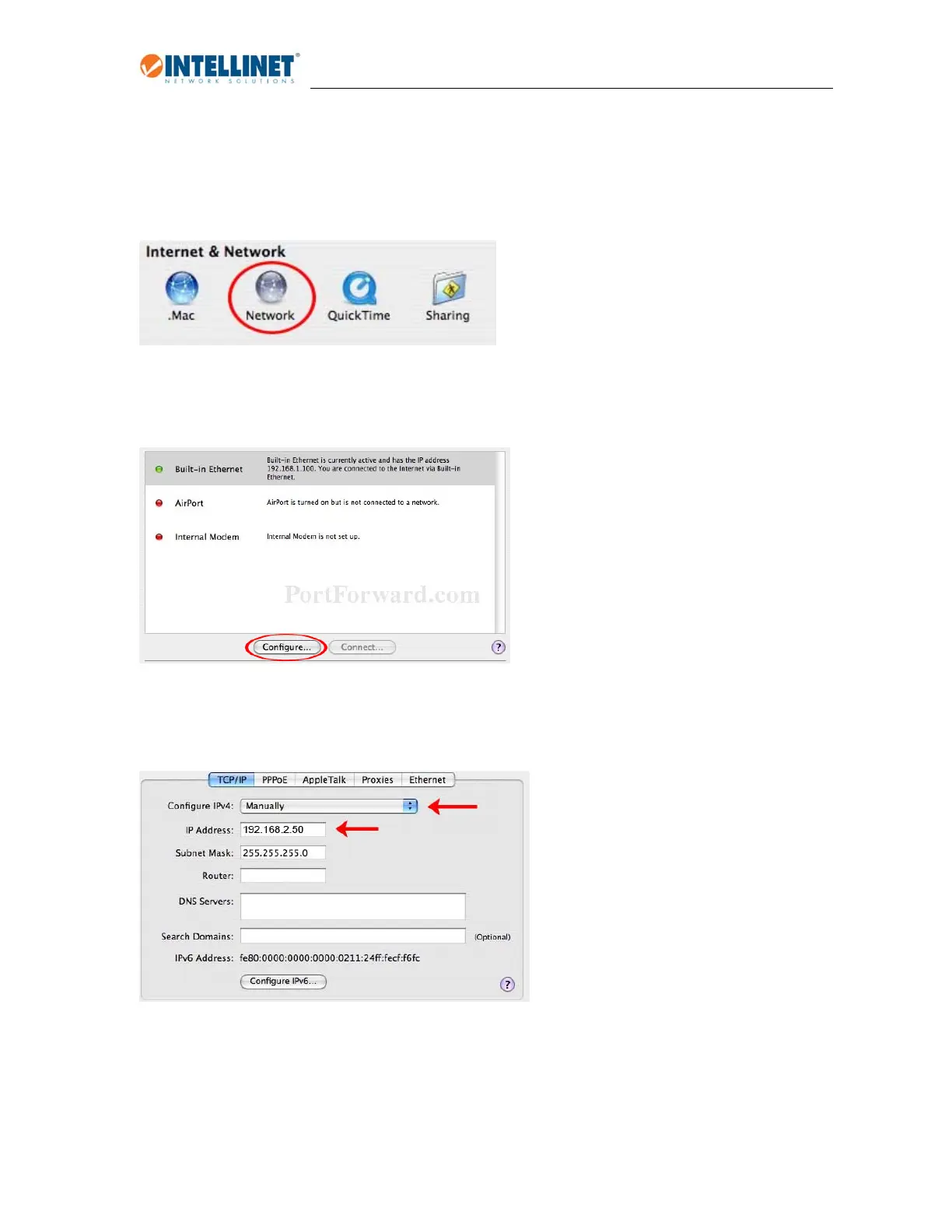
1.OpentheSystemPreferencespage.
2.IntheInternet&Networksection,clicktheNetworkicon.
3.SelecteitherBuilt‐inEthernetorAirPort,dependingonhowyouconnecttothewirelessaccesspoint,
thenclick“Configure….”
4.SetthevalueforConfigureIPv4to“Manually”andenter192.168.2.50intheIPAddressfield.Click“Apply
Now”(notshowninscreenshot)tosavethesettings.


 To Next Page