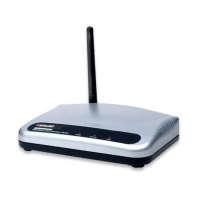
High-Power Ceiling Mount Wireless 300N PoE Access Point
6
3. ConfigurationOptions
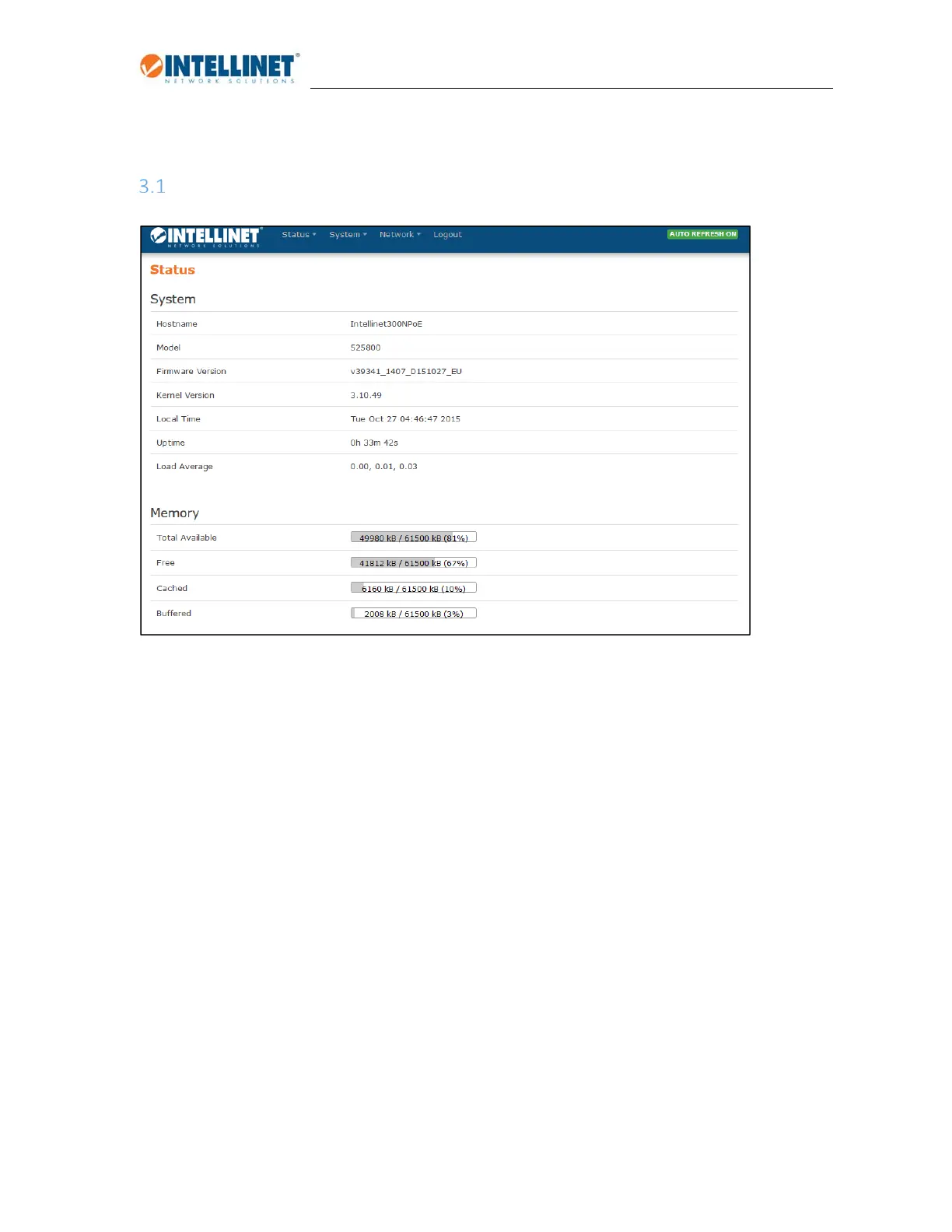
Logintothedevicemanagementinterface
AccesstothewebinterfaceisprovidedbytheURLhttp://192.168.2.1.Thedefaultusernameis‘root’,
andthedefaultpasswordis‘1234.’Theadministratormenuprovidesaccesstothefollowingmain
sections:
Status
Providesinformationaboutthedevicestatus,suchasmemoryusage,errorlogs,runningprocesses
andreal‐timegraphs.
System
Accesstosystemsettings,administratorpassword,toolstobackupandrestoretheconfiguration,
updatethefirmware,andmore.
Network
All network related settings, wireless and wired, are controlled in this menu. Most of the key
configurationsaretobedonehere.
Logout
Whenyouaredoneworkingontheconfiguration,clickingthisbuttonwillendthesession.


 To Next Page