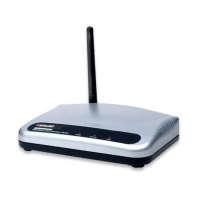
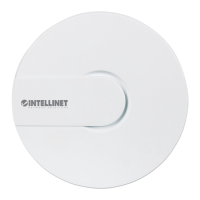
High-Power Ceiling Mount Wireless 300N PoE Access Point
3
2. HardwareInstallation
WallBracketInstallation
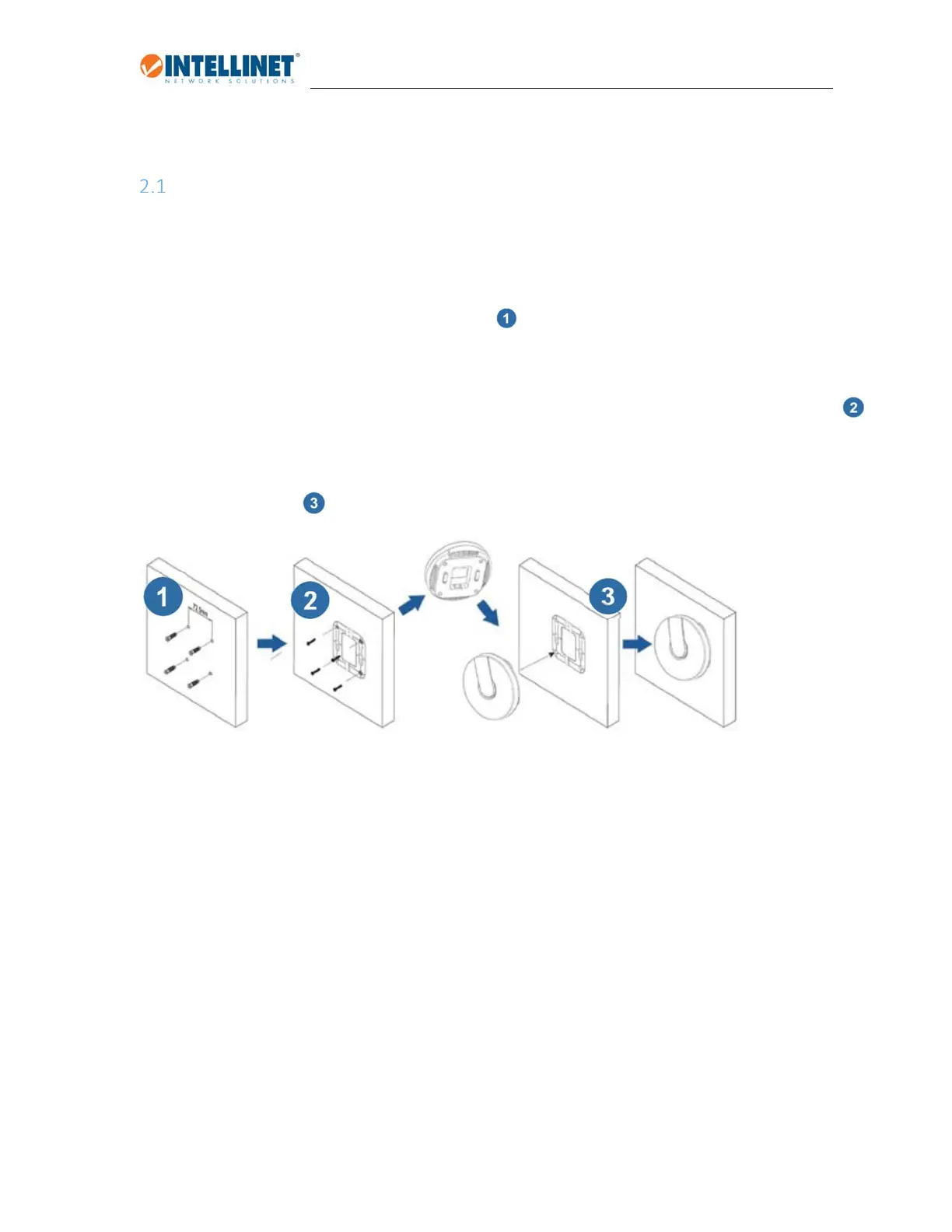
1. Placethemountingbracketagainstawallortheceiling,andmarkthepositionsoftheholeswitha
pen.Removethebracketandthenuseadrillonthefourmarkedlocations.
2. Inserttheanchorsintotheholes–seeimage
3. Lineupthemountingbracketagainstthewallandthescrewholes.
InsertthescrewsintothemountingbracketandtightenthescrewswithaPhillipsheadscrewdriver.
4. Connectthecablestotheaccesspoint,andthenslidetheAccessPointontotheattachmentpoints
onthebracket.


 To Next Page