OPERATION
27
3) Option 3: The backlight brightness.
This option allows the operator to adjust the backlight
brightness for both high (HI) and low (Lo) settings to
enable the ‘one touch’ operation of both. Each setting allows
the brightness to be adjusted over 5 increments. In HI
setting, the range is 0 through 5 with 5 being the maximum
and in Lo, 0 through -5 with -5 being the minimum.
To select the maximum backlight brightness:
i. Press and hold the button until an audible beep is
heard and the text KEY BEEP appears.
ii. Press the or to toggle the selection until the text
BACKLIGHT appears.
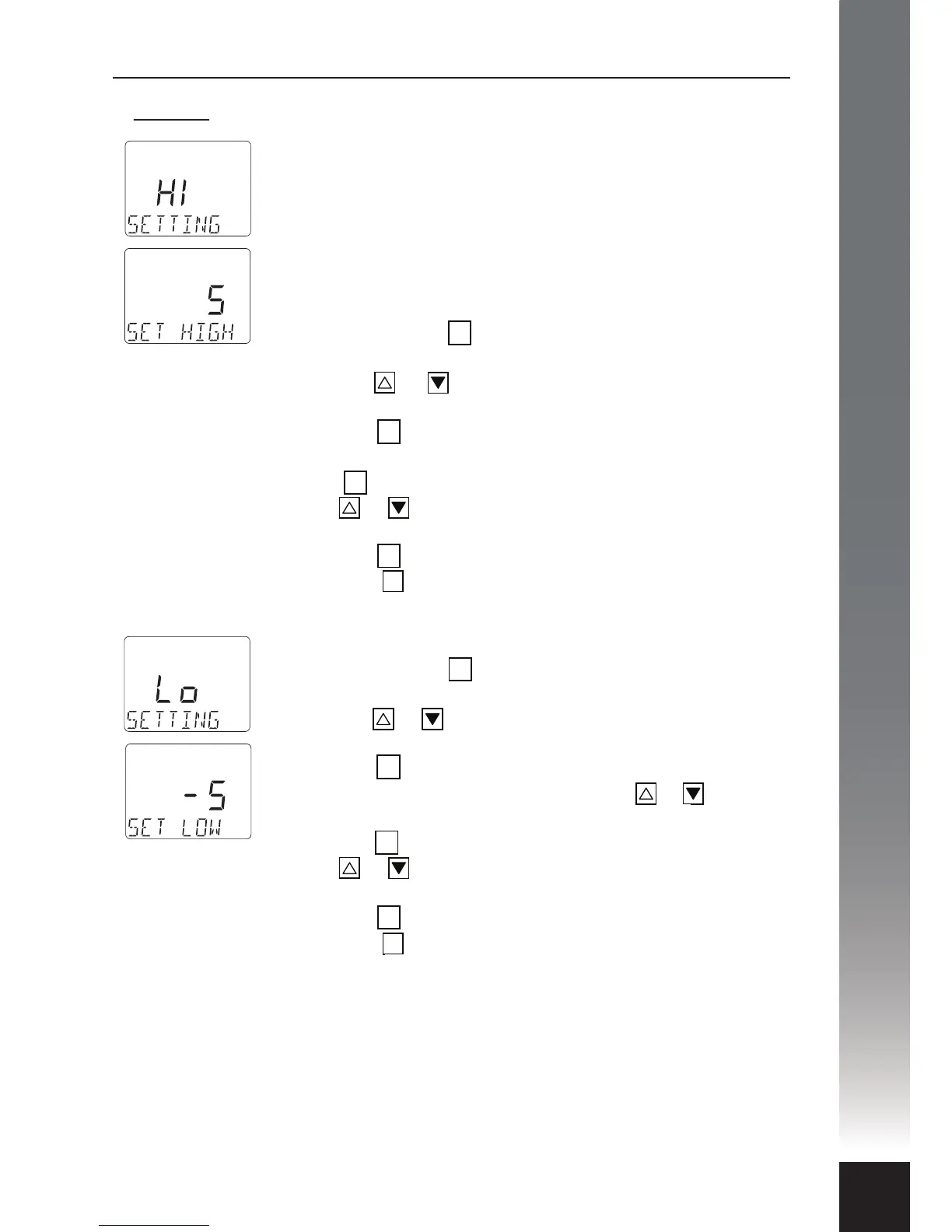
iii. Press the button again and the word HI will appear
above the text line SETTING.
iv. Press again and the text SET HIGH will appear.
v. Press or to increase or decrease the backlight
brightness.
vi. Press the button to conrm your choice.
vii. Press the button to exit.
To select the minimum backlight brightness:
i. Press and hold the button until an audible beep is
heard and the text KEY BEEP appears.
ii. Press the or to toggle the selection until the text
BACKLIGHT appears.
iii. Press the button again and the word HI will appear
above the text line SETTING. Use the or to
toggle to text Lo.
iv. Press the button and the text SET LOW will appear.
v. Press or to increase or decrease the backlight
brightness.
vi. Press the button to conrm your choice.
vii. Press the button to exit.
OK
OK
OK
OK
AB
OK
OK
OK
OK
AB


 To Next Page