OPERATION
26
Operator Convenience Settings
The Remote Display also allows certain changes to be made at any time or
‘on the y’. There are three options which can be congured for operator
convenience details as follows;
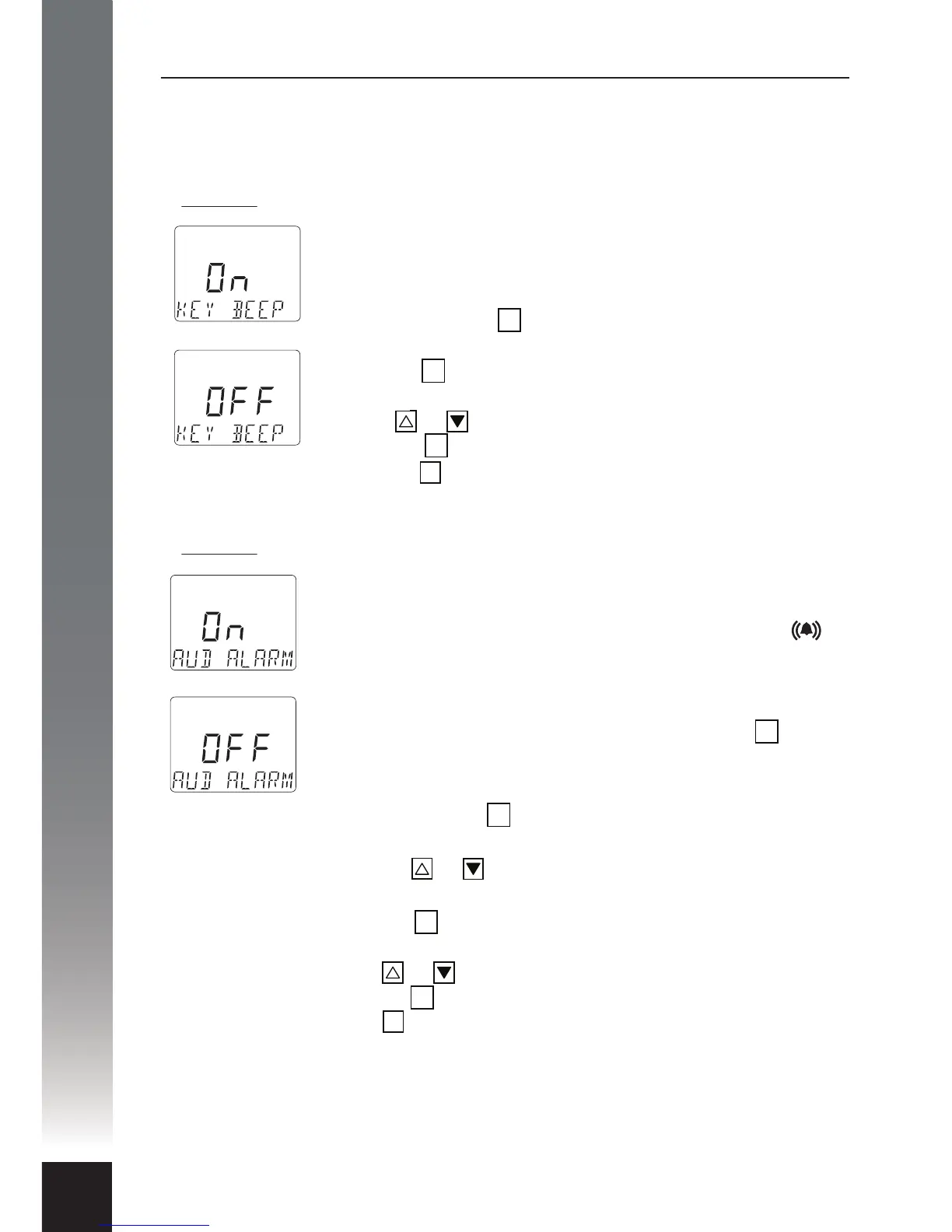
1) Option 1: The keypad beeper.
This option simply turns the keypad beeper, also known as
‘button clicks’, on or o. In default mode the keypad beeper
is enabled and can be disabled at any time.
i. Press and hold the button until an audible beep is heard
and the text KEY BEEP appears.
ii. Press the button again and the word On will appear
above the text line.
iii. Press or to toggle between On or OFF.
iv. Press the button to conrm your choice.
v. Press the button to exit (or wait 5 minutes for timer to
automatically exit).
2) Option 2: The audible alarm.
This option allows the operator to enable or disable the
audible alarm which operates in conjunction with the warning
system. By default the audible alarm is enabled and the
icon will be displayed on the main screen. The icon will
disappear when the audible alarm is disabled. In the event of a
warning condition the audible alarm can still be muted even if
it is enabled. In any warning condition, pressing the button
serves as acknowledgment of the problem and automatically
mutes the audible alarm at the same time.
i. Press and hold the button until an audible beep is heard
and the text KEY BEEP appears.
ii. Press the or to toggle the selection until the text
AUD ALARM appears.
iii. Press the button again and the word On will appear
above the text line.
iv. Press or to toggle between On or OFF.
v. Press the button to conrm your choice.
vi. Press button to exit.
OK
OK
OK
AB
OK
OK
OK
OK
AB


 To Next Page