InMode Without Vasculaze Operator Manual
Section 4: Device Description
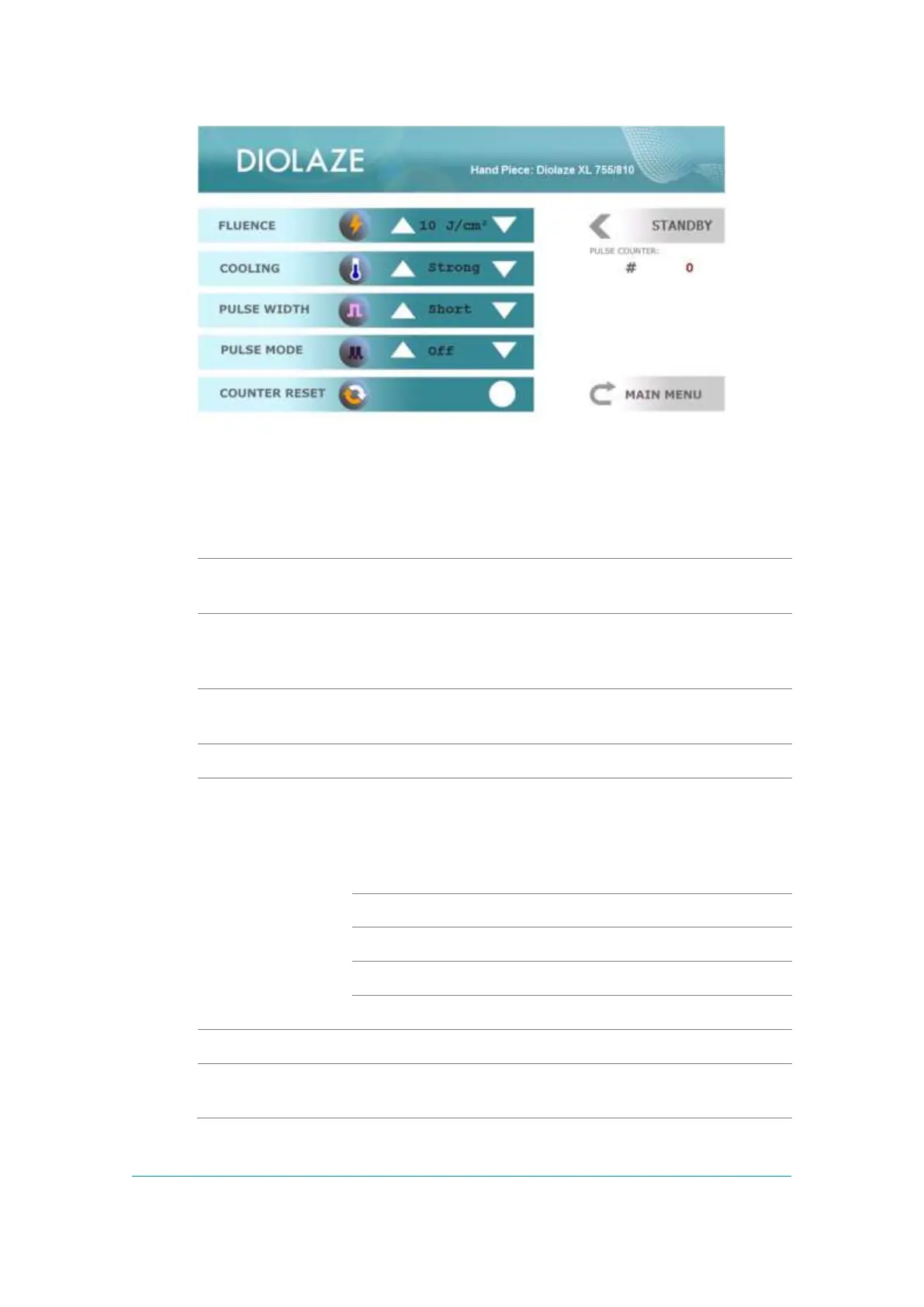
Figure -7: Diolaze/DiolazeXL Treatment Screen
The Dioalaze/DiolazeXL Treatment Screen contains:
The frame selects parameters that can be changed by
functional keys.
Fluence (light energy density) is changed within the limits
from 15 to 60J/cm² for Diolaze and from 5 to 40J/cm² for
Diolaze XL, and the System starts up at the minimal setting.
Normal and Strong cooling, 10 and 2oC, respectively, can be
selected for Diolaze and 12 and 7oC for Diolaze XL.
Short or Long pulse can be selected.
Pps= Pulse Per Screen
For Diolaze
Off - Single, Normal – 0.5pps, and Fast – 1pps
For DiolazeXL:
The Pulse Counter can be reset.
Shows the number of pulses delivered from the beginning of
the treatment.



 To Next Page