InMode Without Vasculaze Operator Manual
Section 4: Device Description
The System has four treatment modes:
Standby mode: allows the user to set treatment
parameters. Activation of energy is not allowed in Standby
mode.
Armed mode: when the Footswitch is pressed, before the
Hand Trigger.
Ready mode: when the System is waiting for a signal from
the Trigger Switch to activate the energy. Any attempt to
change the treatment settings switches the System to
Standby mode.
Active mode: when the laser is pulsed by pressing the Hand
Trigger.
Return to the Main Menu to select another Applicator and
change the Applicator if needed.
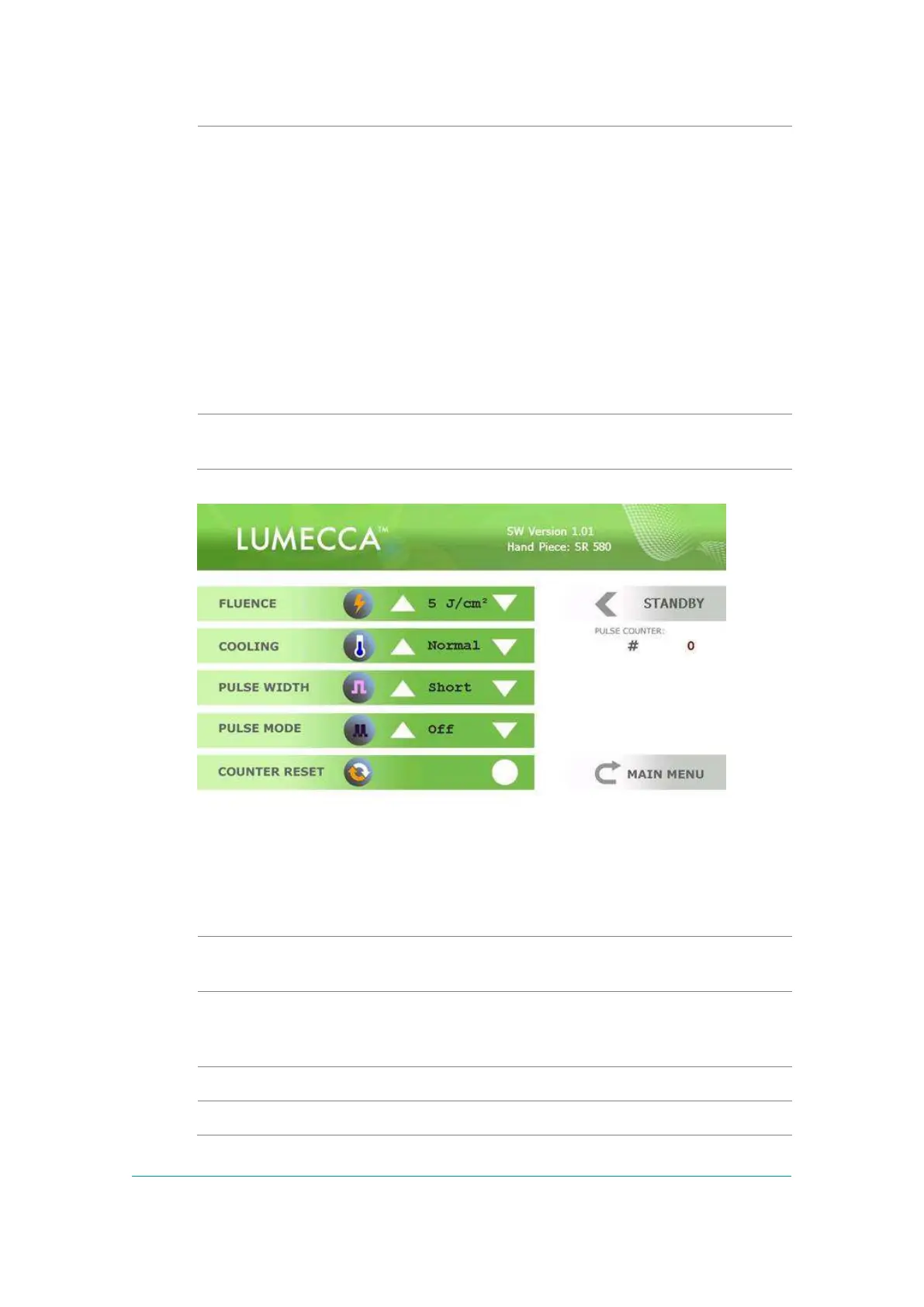
Figure -8: Lumecca 580 Treatment Screen (same screen for the 515)
The Lumecca 580 or 515nm Treatment Screen contains:
The frame selects parameters that can be changed by
functional keys.
Fluence (light energy density) is changed within the limits
from 5 to 30J/ cm² for Lumecca and the System starts up at
the minimal setting.
Normal and Strong can be selected.
Short or Long can be selected.



 To Next Page