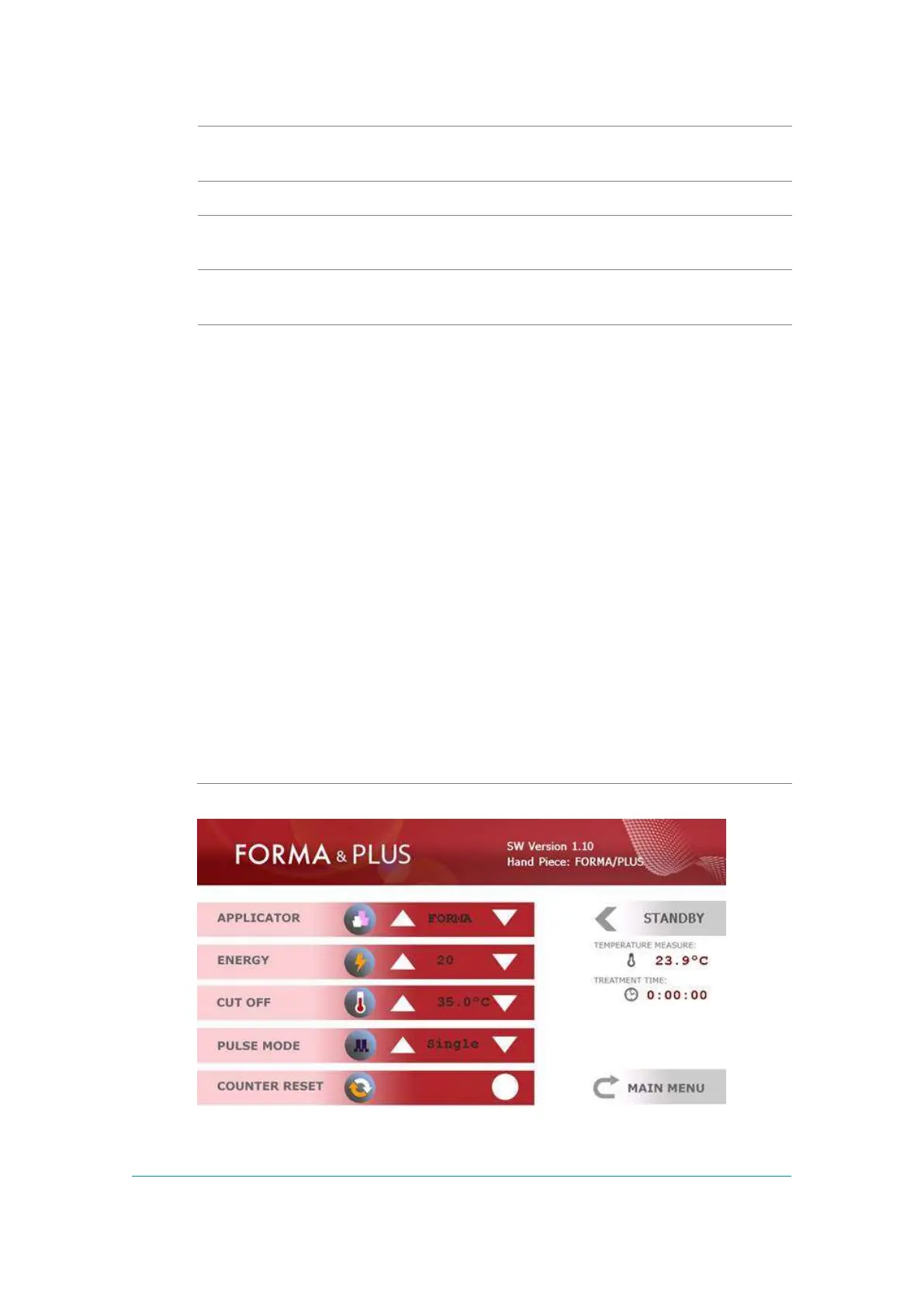
Shows the number of pulses delivered on one zone, and the
total number of pulses from the beginning of the treatment.
Shows number of pulses delivered on one zone and total
number of pulses from the beginning of the treatment.
Return to Main Menu to select another Applicator and
change the Applicator if needed.
The System has three treatment modes: Standby, Ready,
and Active.
Standby mode allows the user to set treatment parameters.
Activation of energy is not allowed in Standby mode.
In Ready mode, the System is waiting for a signal from the
Footswitch to activate the energy. Any attempt to change
the treatment settings switches the System to Standby
mode.
When the signal from the Footswitch is indicated, the
System switches to Active mode. Any attempt to change the
treatment settings switches the system to Standby mode.



 To Next Page