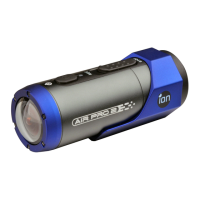
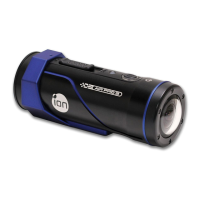
The embedded 1200mAh Li-ion Battery in the AIR PRO camera can be
recharged quickly allowing you hours of recording time.
To charge the battery
1.
Charge the camera with either the USB cable or AC/DC adapter.
2.
The Red LED remains ON while the battery is charging.
3.
The Red LED will turn OFF when the battery is fully charged. It takes about 3
hours to initially charge the camera. Subsequent charges take approximately
3 hours as well.
✓
When the battery power is low, the camera will vibrate three times to indicate
the low battery.
✓
The camera will vibrate 2 seconds to indicate it’s out of power. The camera will
automatically save the file if it is in recording and turn off.
✓
If the camera does not charge, please contact our help line for assistance as
you should not attempt to remove the internal battery. Doing so, will void your
EN - 20 www.iontheaction.co.uk


 To Next Page