Deleting Photos / Video Files w/ TV
You can delete a single and all photo or video
file(s) in the MicroSD card.
To delete the files
1.
Press and hold button until the TV
menu appears.
2.
Press button shortly to select Play Photo or Video mode.
3.
Press button twice to enter the Photo or Video Playback mode.
4. Select the desired photo or video file to be deleted.
5.
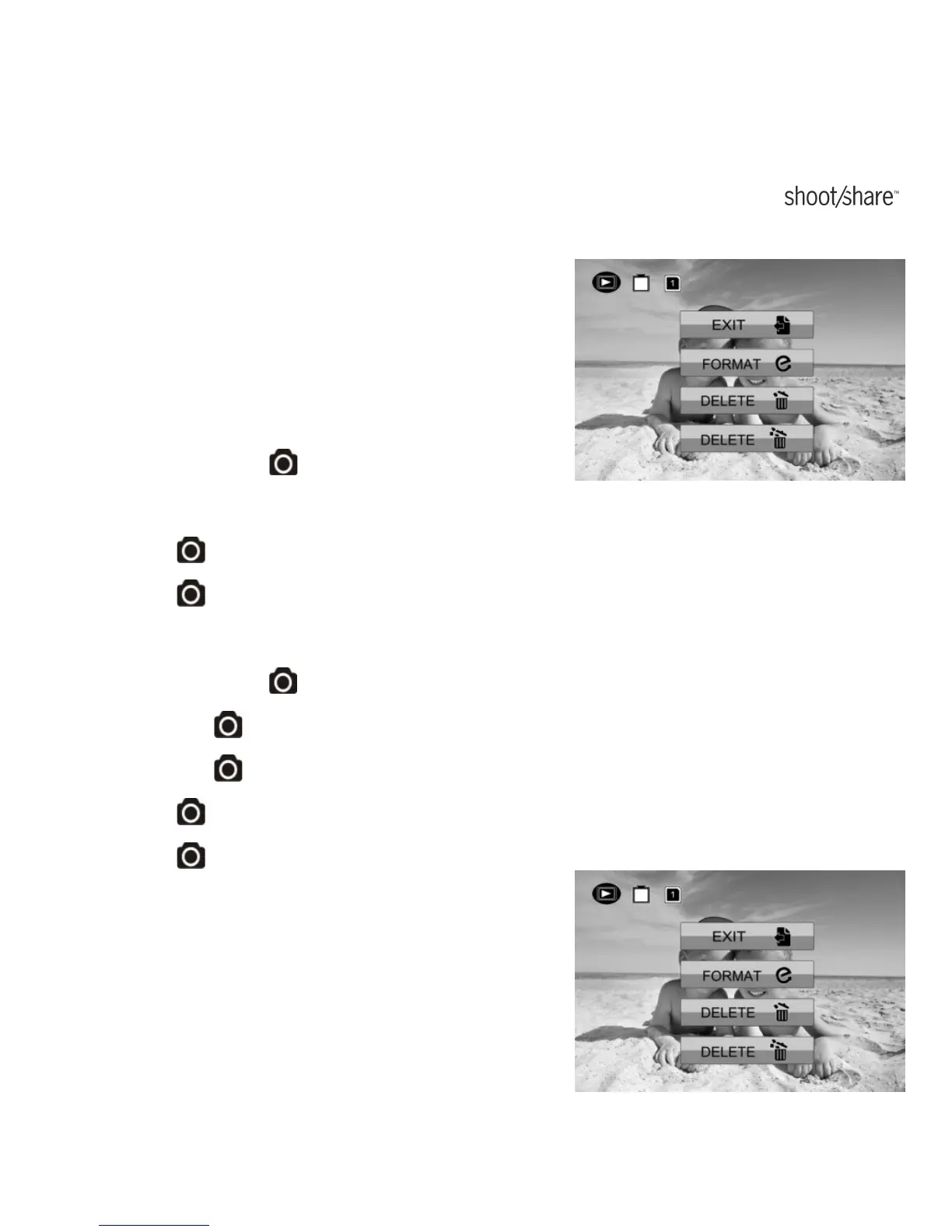
Press and hold button to enter to Edit menu.
6.
Press the button shortly to select “Delete This Image/Video” or “All”.
7.
Press the twice to enter to “Delete This Image/Video” or “All”.
8.
Press button shortly to select “Yes”.
9.
Press button twice to confirm.
Formatting MicroSD Card w/ TV
www.iontheaction.co.uk EN - 53



 To Next Page