Changing the Camera Settings
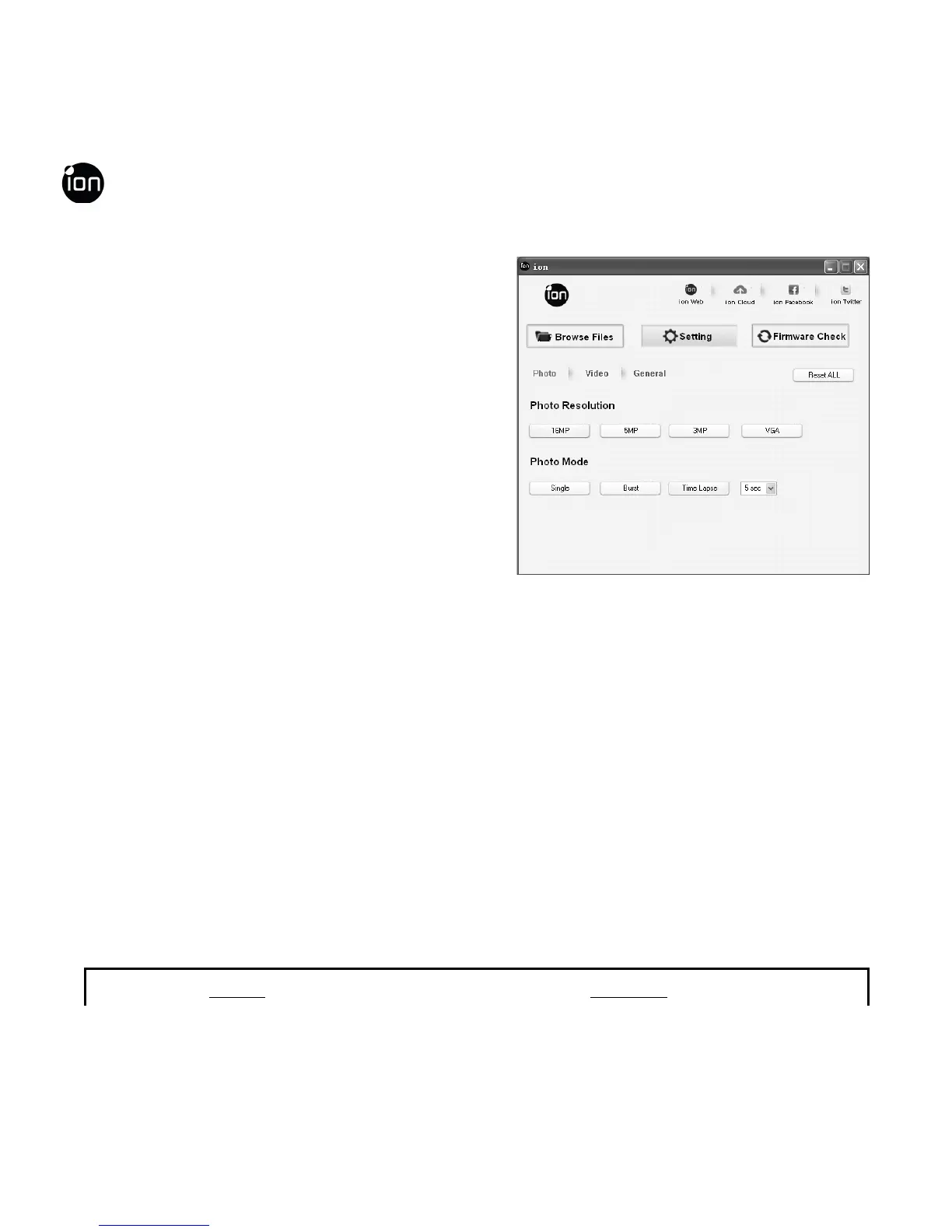
The ion AIR PRO’s camera settings can
be changed by utilizing the ion software.
Simply click on the options in the Photo,
Video or General menus.
Set up on Photo menu
Click “Photo” menu to select the desired photo resolution and mode. The active
mode will be highlighted.
Mode Options
EN - 38 www.iontheaction.co.uk



 To Next Page