Taking Photos w/ TV
1.
Press and hold the Power button until
the TV menu appears.
2.
Press the Power button shortly to
select the Preview mode.
3.
Slide the Recording Slide Switch to STOP
4.
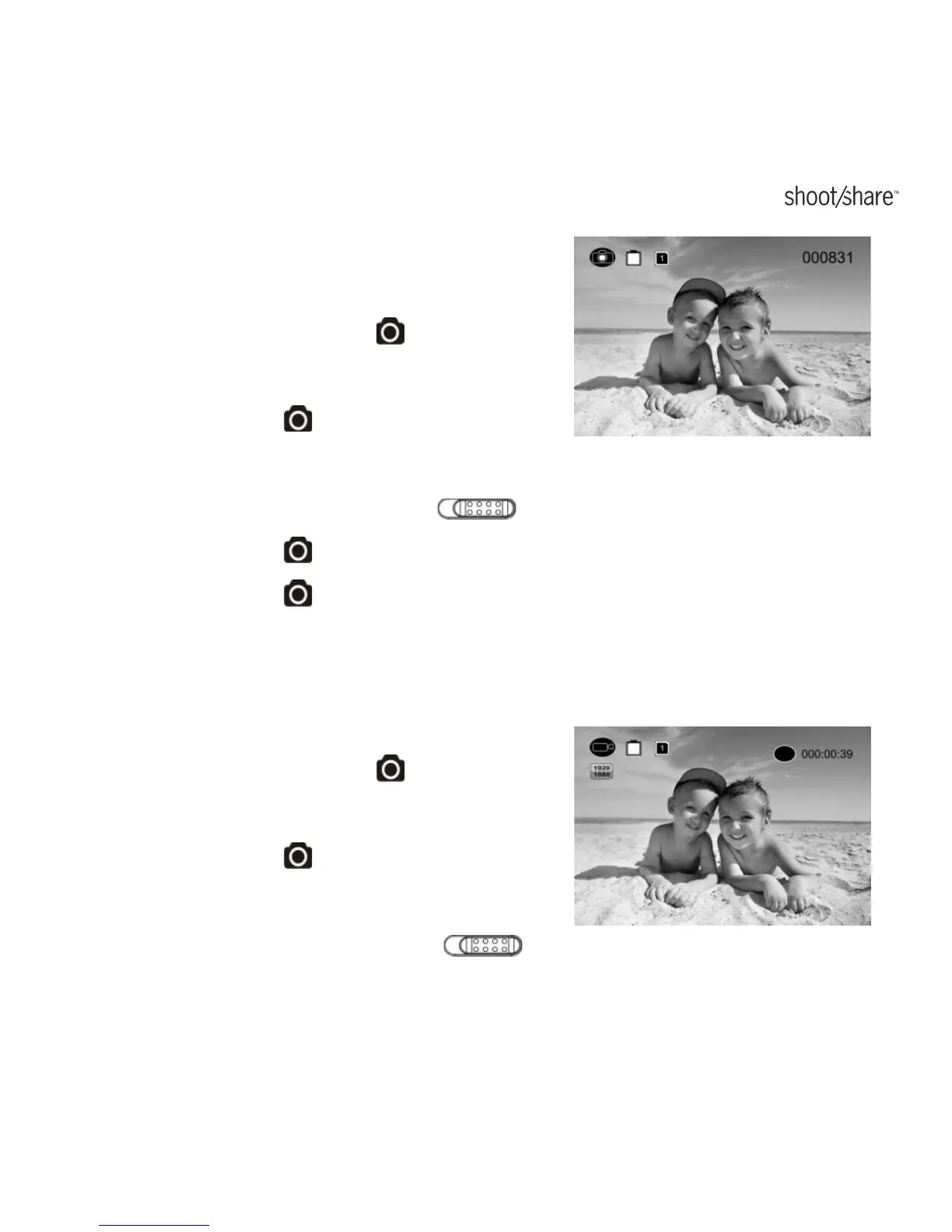
Press the Power button twice to enter Photo Preview mode.
5.
Press the Power button to take photos.
Recording Video w/ TV
1.
Press and hold the Power button until
the TV menu appears.
2.
Press the Power button shortly to
select the Preview mode.
3.
Slide the Recording Slide Switch
to REC
www.iontheaction.co.uk EN - 49



 To Next Page