CONNECTING CAMERA TO A TV / HDTV
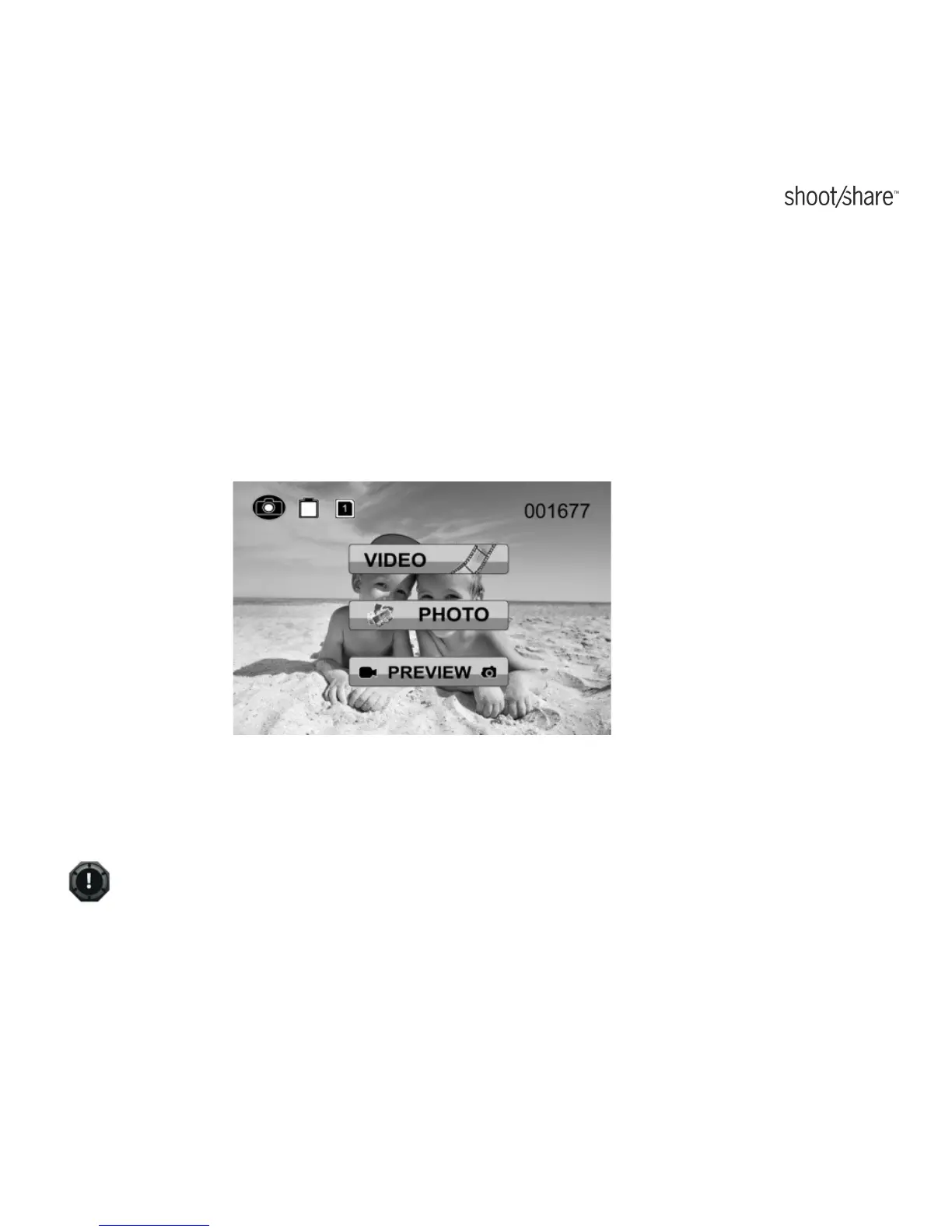
Connect your ion camera to a TV or HDTV thru the AV cable or an HDMI cable (not
included). When you have successfully connected, the TV menu as shown in the
picture below will pop up. You can preview files, playback
、
delete files and format
the MicroSD card thru your TV screen.
✓
In order to turn off the AIR PRO camera, you will first need to disconnect the
camera from the TV/HDTV
www.iontheaction.co.uk EN - 47



 To Next Page