TIGER XT Instrument User Manual V1.2
Pioneering Gas Sensing Technology. Page 37 of 71 ionscience.com
Select one of the following:
• min and sec: set the interval between readings. Users can select to record each live data
points (single), or the average or maximum value between the desired sampling frequency.
Must be at least 1 second.
• ppm: the instrument starts data logging at 1 second intervals for as long as the ppm gas level
is exceeded.
Other options:
• Available only if the interval is over 2 minutes. When selected, the instrument will sleep
between logs to preserve battery life.
• The instrument starts data logging when it is switched on.
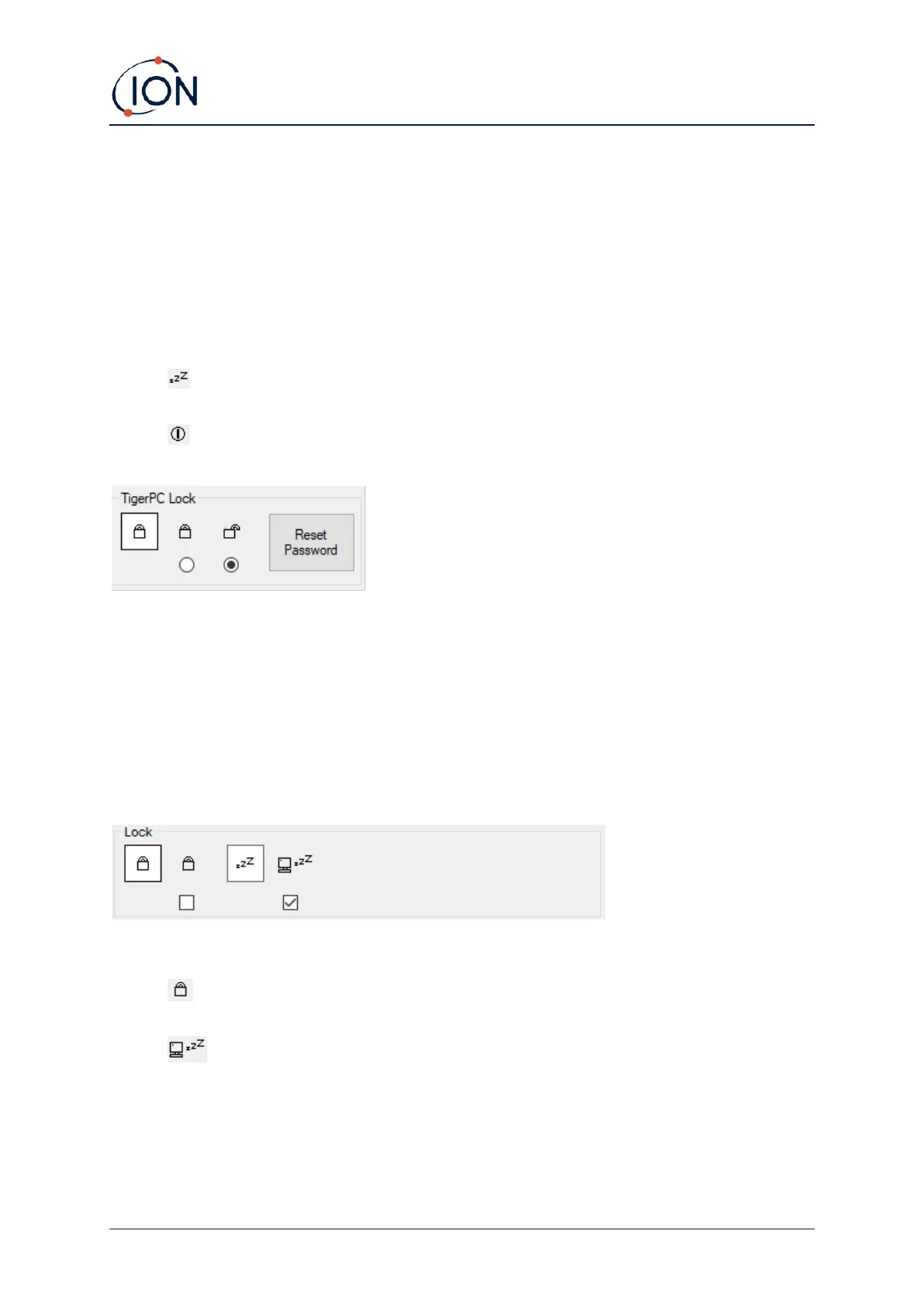
TigerPC Lock
TigerPC can be locked by a master-user to prevent unauthorised adjustment of configuration or
settings.
• To lock TigerPC, select the Lock option and enter your password. The default password for
TigerPC is 0000. The password can be changed using the Reset Password button.
• If you forget your password please contact ION Science so that a master password can be
issued to you. Master passwords are generated daily and are only valid on the day of
generation.
Lock
The following options are available:
• Enables a supervisor to disable user access to the functions accessed via the
instrument’s soft key B.
• When connected to a PC the instrument will go into Sleep Mode. The instrument will
“awaken” when disconnected from the PC.



 To Next Page