TIGER XT Instrument User Manual V1.2
Pioneering Gas Sensing Technology. Page 36 of 71 ionscience.com
Calibration Reminder
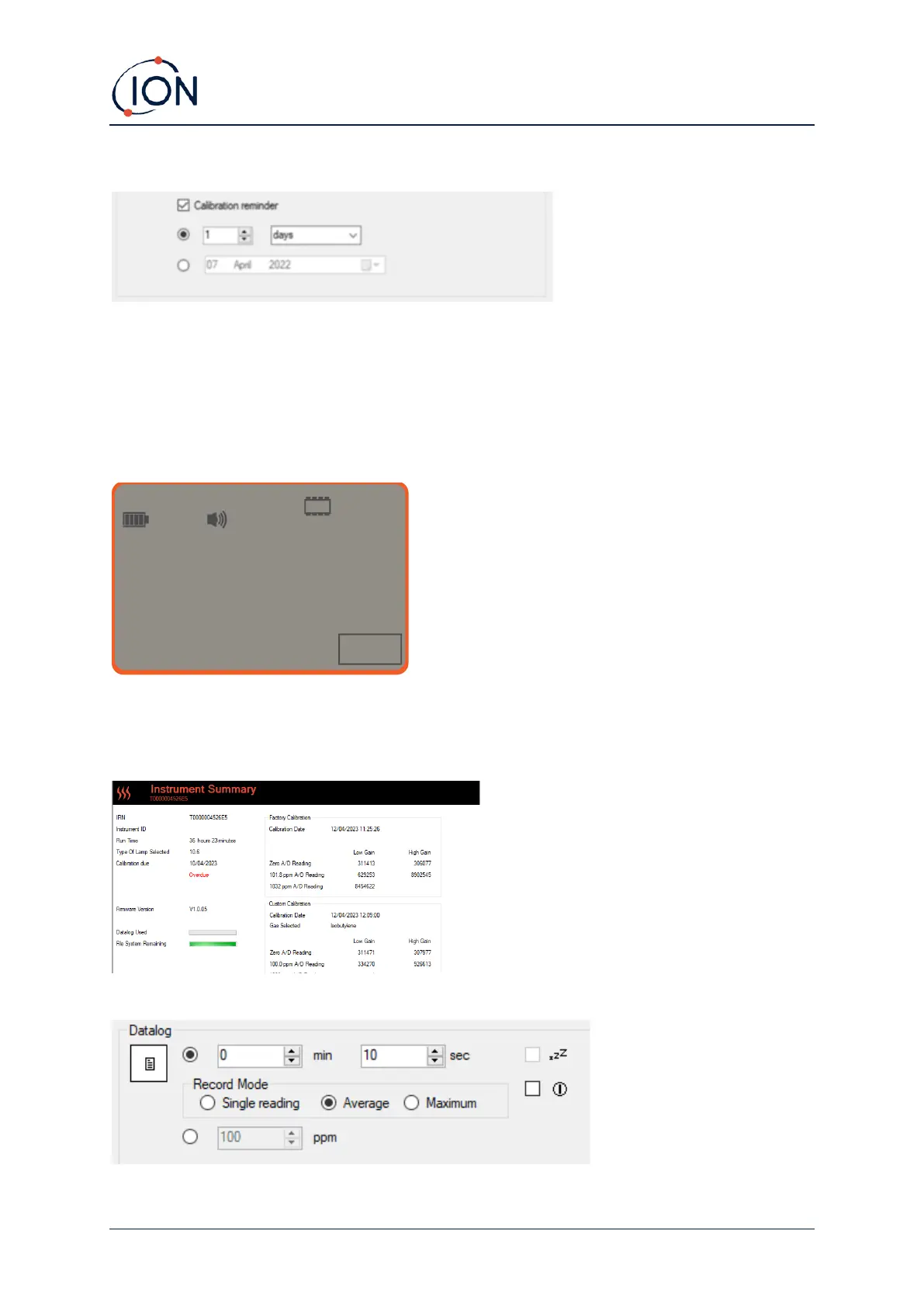
The calibration reminder allows you to set a reminder for when calibration is needed. To turn on the
calibration reminder, ensure the box is ticked next to ‘calibration reminder’. You then have two
options below that. You can either set how many days, weeks or months you want the reminder to
appear after the day you are on, or you can set a more precise date by selecting the bottom option.
The calibration reminder looks like the below.
On the day (and after) the calibration due date, ‘Summary!’ will appear in bold in the left hand side
on Tiger PC. ‘Overdue’ will also appear in red within the instrument summary (see below). Once the
instrument has been calibrated, ‘Overdue’ text will disappear.
Datalog



 To Next Page