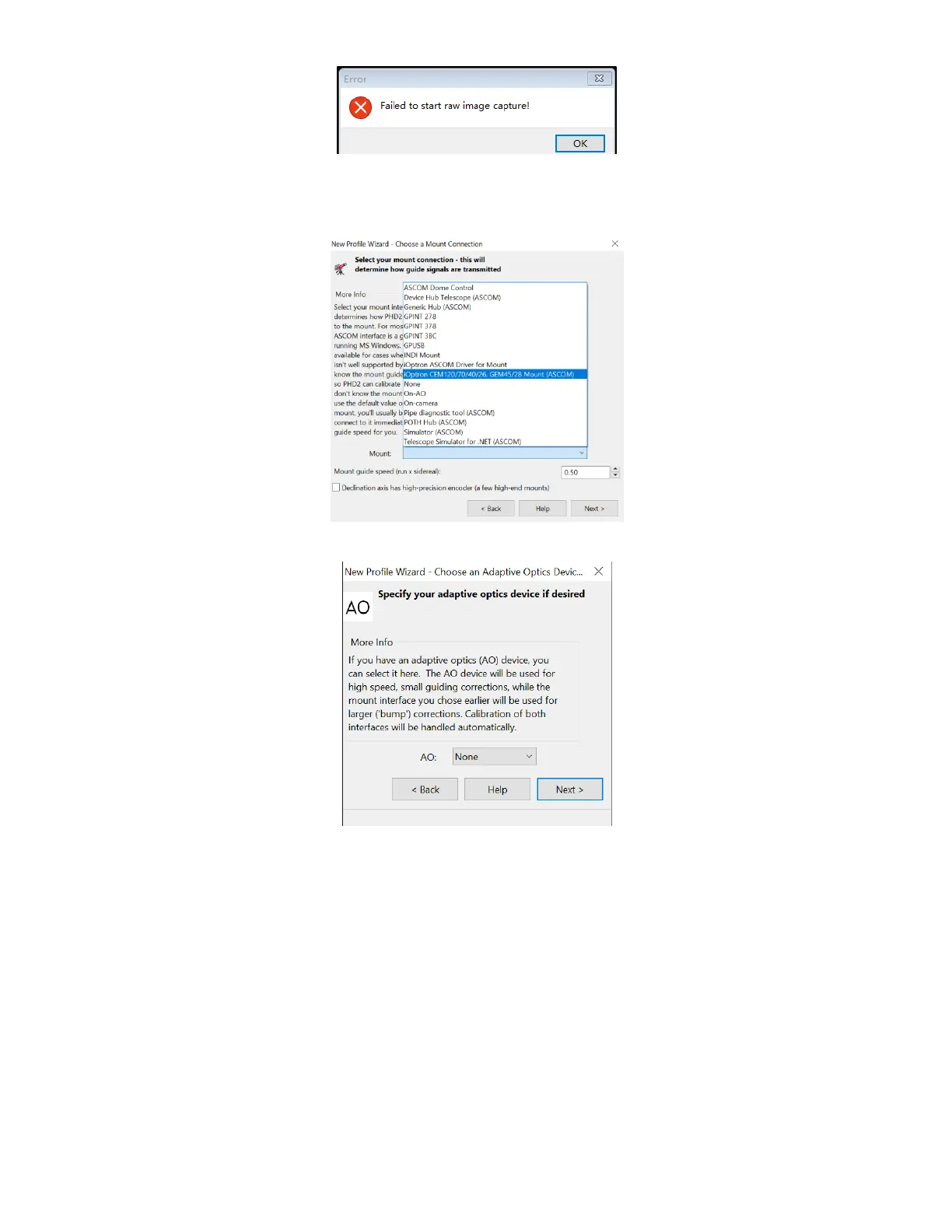
Select a mount that connected to the computer via ASCOM from the dropdown menu.
Here “iOptron CEM120/70/40/26,GEM45/28 Mount (ASCOM)” is selected. A default guiding
speed is 0.5X. Click Next.
In next Adaptive Optics Device setting window, select None and go to Next.
Save the Profile Name. Do not check Build dark library. You may do it at a late time.
Click Finish to complete the Profile setup.



 To Next Page