ioSafe Duo User Manual
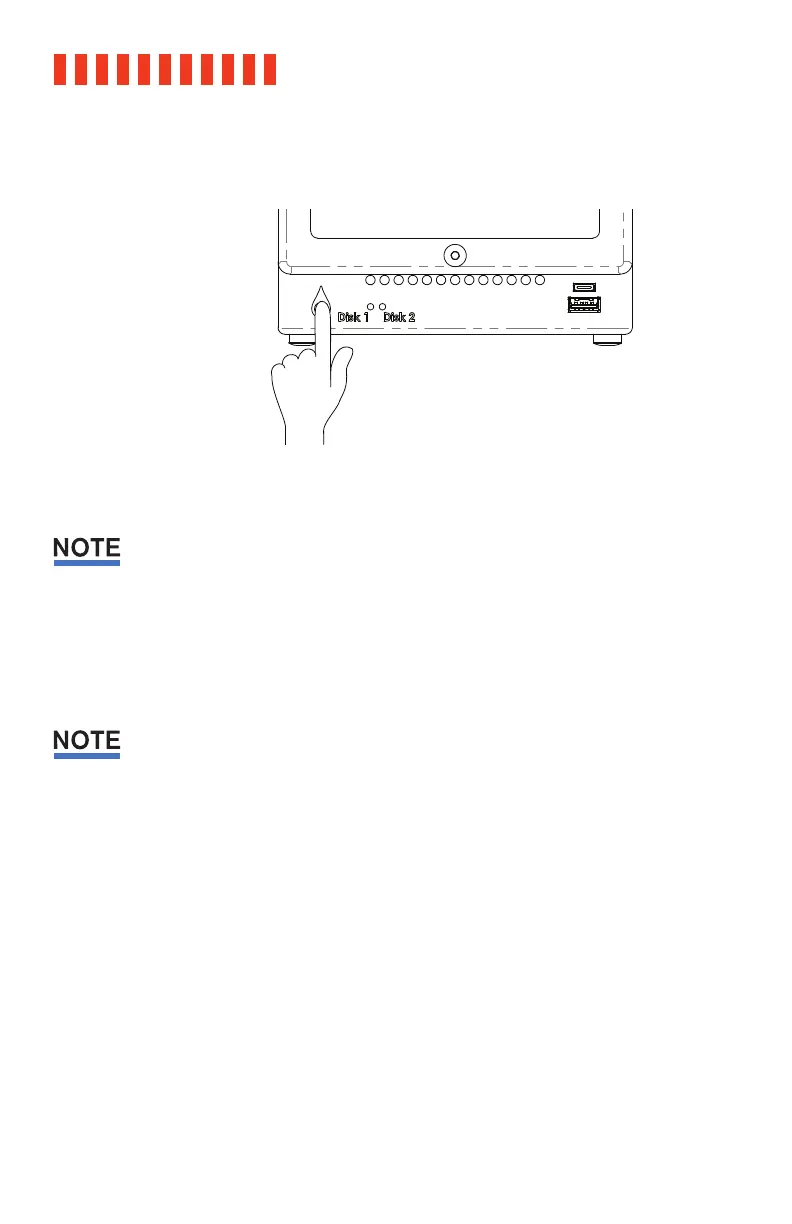
b. Power off the ioSafe Duo.
Turning off the ioSafe Duo or disconnecting it from your computer without following the
procedure above can result in data loss.
3.1.2 Formatting the ioSafe Duo
Follow the steps below for Windows 10 and Windows 8.1 to reformat your ioSafe Duo.
If you purchased an ioSafe Duo with pre-installed drives, it will work with Windows right out of
the box without needing to format it. You may skip this section.
a. Press WINKEY + X and then select Disk Management.
b. The drive should appear in the list of Disks in the lower pane. You may need to scroll
down to see it. If the drive is already formatted, you can identify it easily by its volume
name. If the drive is not initialized or is brand new, a window will pop up asking you to
select a partition type. Select GPT and press OK.
c. To format the volume, right-click the Drive Properties Box of the drive (highlighted
red in the figure below) and select New Simple Volume...
20



 To Next Page