ioSafe NAS User's Guide
Based on Synology DSM 5.0
10
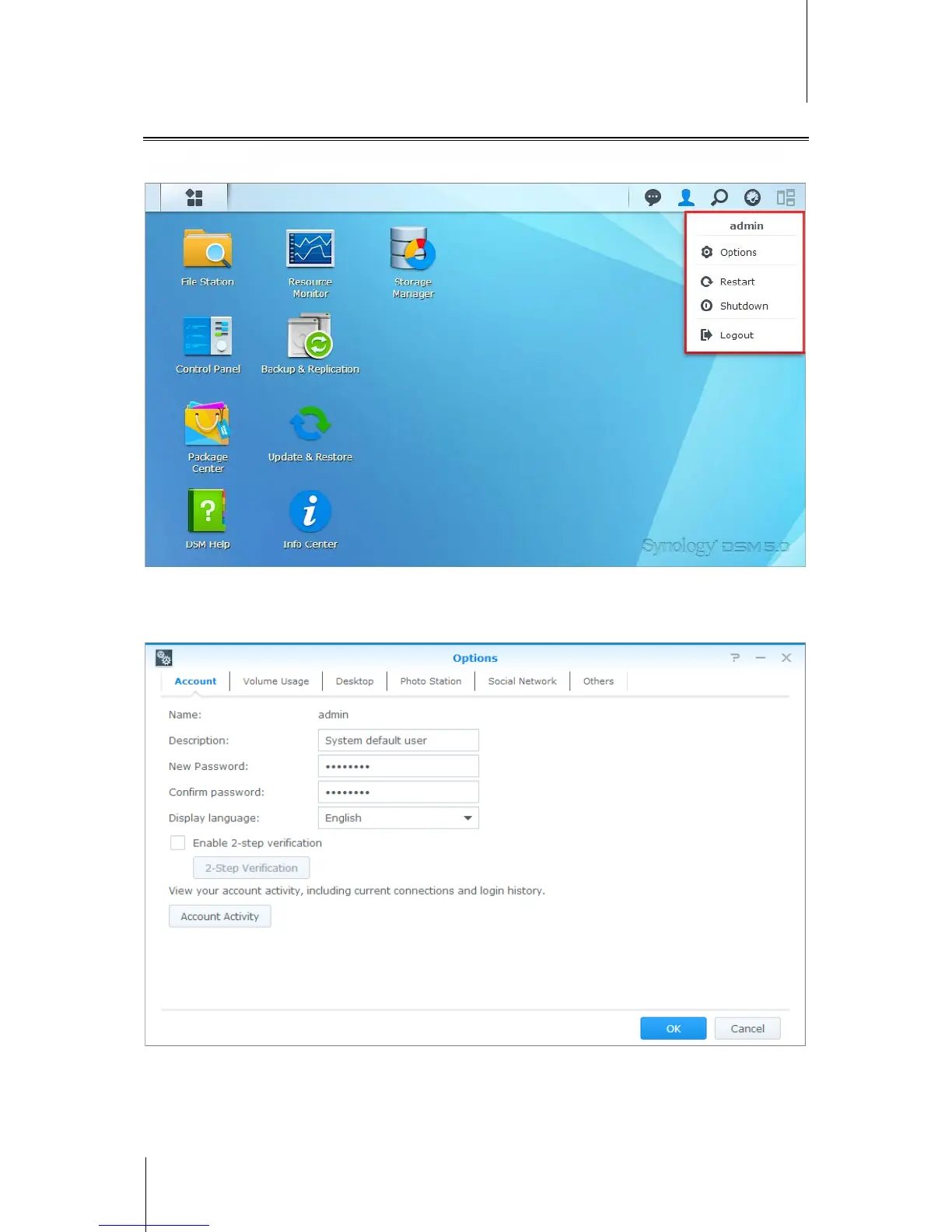
Shutdown, Restart, Logout, or Manage Personal Options
Click the Options menu (the person-shaped icon at the top right) to shutdown, restart, logout, or manage your
user account settings
.
To manage personal options:
Select Options from the drop-down menu to manage personal account options, like password, 2-step verification,
desktop, etc.



 To Next Page