ioSafe NAS User's Guide
Based on Synology DSM 5.0
9
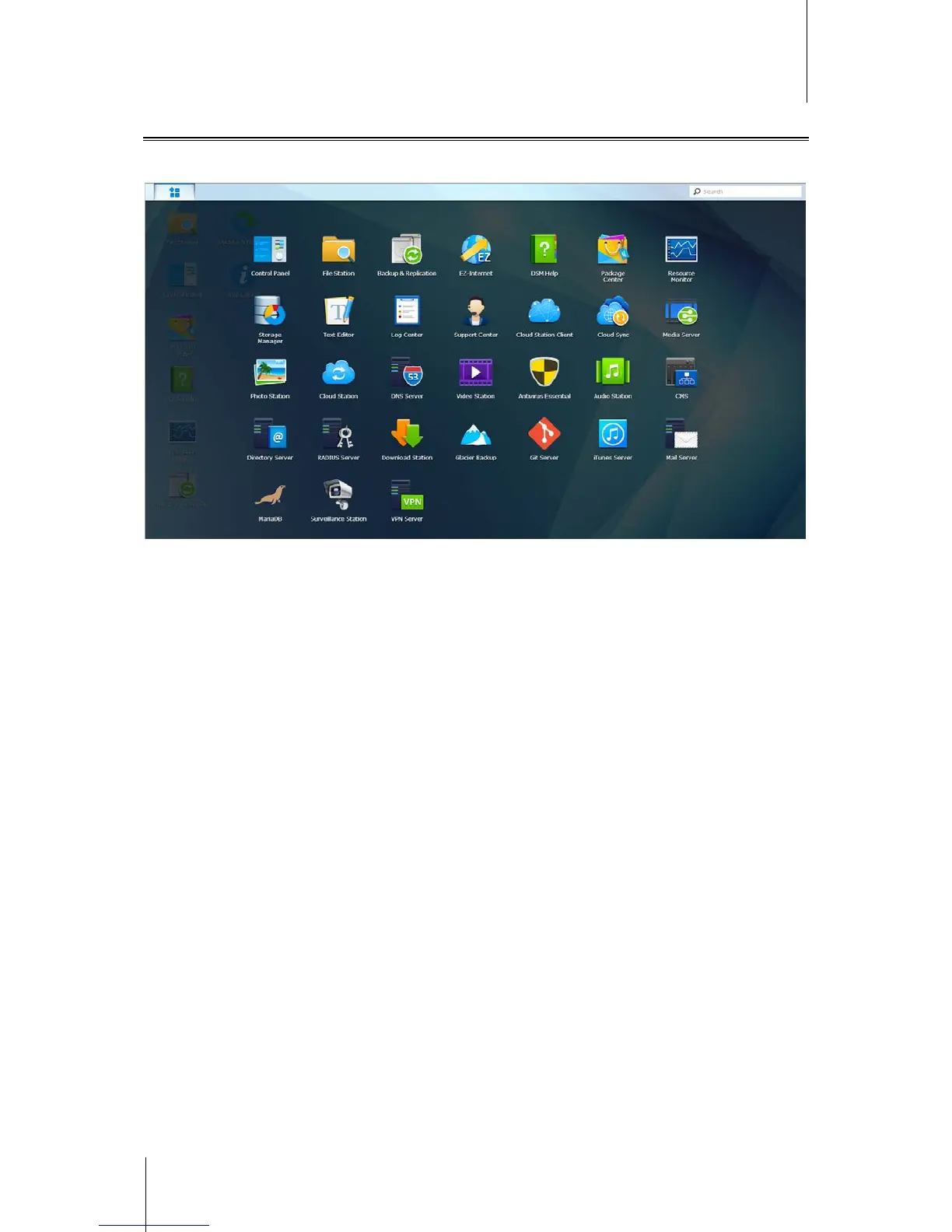
Open Applications and Packages with Main Menu
The Main Menu (the button at the top-left of the desktop) is where you can find all the applications and packages
installed on your IoSafe NAS.
To open applications or packages:
Open Main Menu and click the icon of the application or package that you want to open.
To reorder icons:
Open Main Menu and drag an icon to any position you want.
To create a desktop shortcut:
Open Main Menu and drag an icon to the side.



 To Next Page