ioSafe NAS User's Guide
Based Synology on DSM 5.0
18
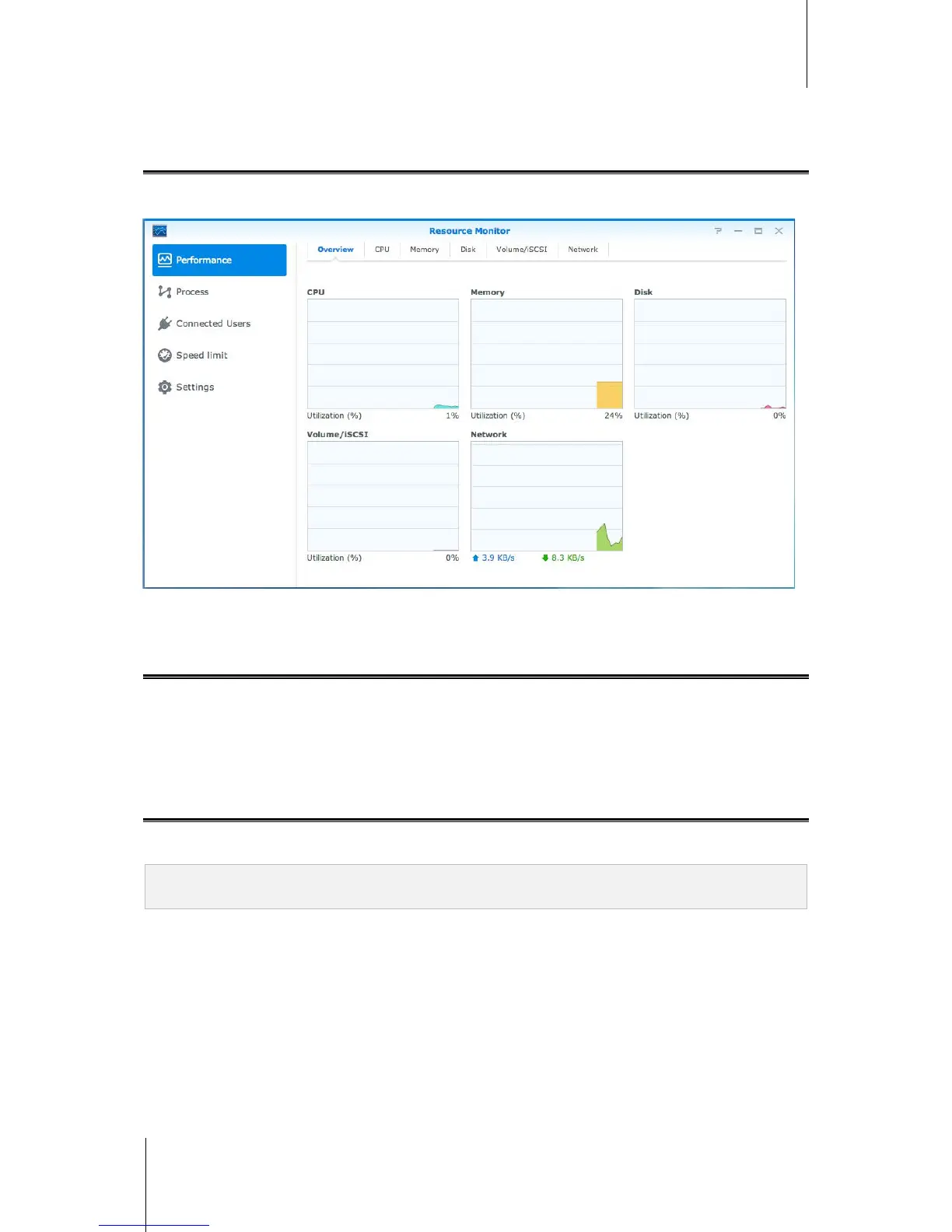
Monitor System Resources
Resource Monitor allows you to monitor the CPU usage, memory usage, disk utilization and network flow. You
can choose to monitor in real time or view previous data. For more detailed instructions, please see DSM Help.
Automate Tasks
Go to Control Panel > Task Scheduler to schedule and run services or scripts at pre-defined times. You can
create and manage tasks to automatically run user-defined scripts, empty shared folder recycle bins, or start and
stop certain services. For more detailed instructions, please see DSM Help.
Update DSM or Restore Defaults
At Control Panel > Update & Restore, you can update DSM to a newer version, back up and restore system
configurations or restore IoSafe NAS device to its original manufacturer settings.
Important: The data saved on the IoSafe NAS will not be erased during the updating process. However, for security
reason, we recommend that you back up the data first.



 To Next Page