ioSafe NAS User's Guide
Based Synology on DSM 5.0
33
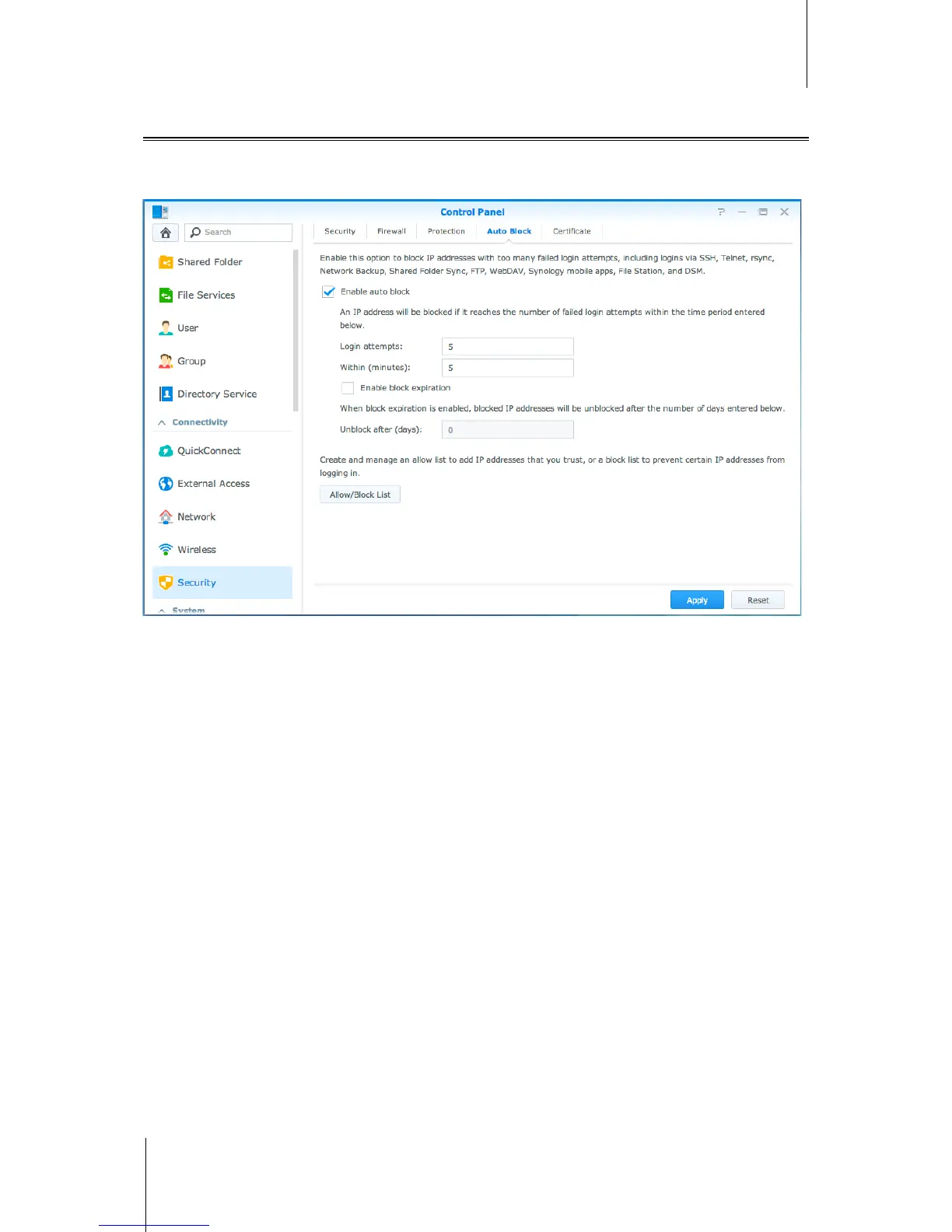
Automatically Block Suspicious Login Attempts
Auto block allows you to prevent unauthorized login. After enabling the service, an IP address will be blocked if it
has too many failed login attempts. Go to Control Panel > Security > Auto Block to create and manage your
block list and allow list.



 To Next Page