Chapter 4: Perform Advanced Management Tasks
Synology DiskStation Manager comes with a variety of management functions, allowing you to check system
information, monitor system resources, manage notification services, restore or upgrade DSM, access
applications with independent login, index multimedia files for applications and more.
This chapter explains how to comprehend advanced management functions to make sure your IoSafe NAS is
providing the best performance. For detailed instructions, please see DSM Help.
Check System Information
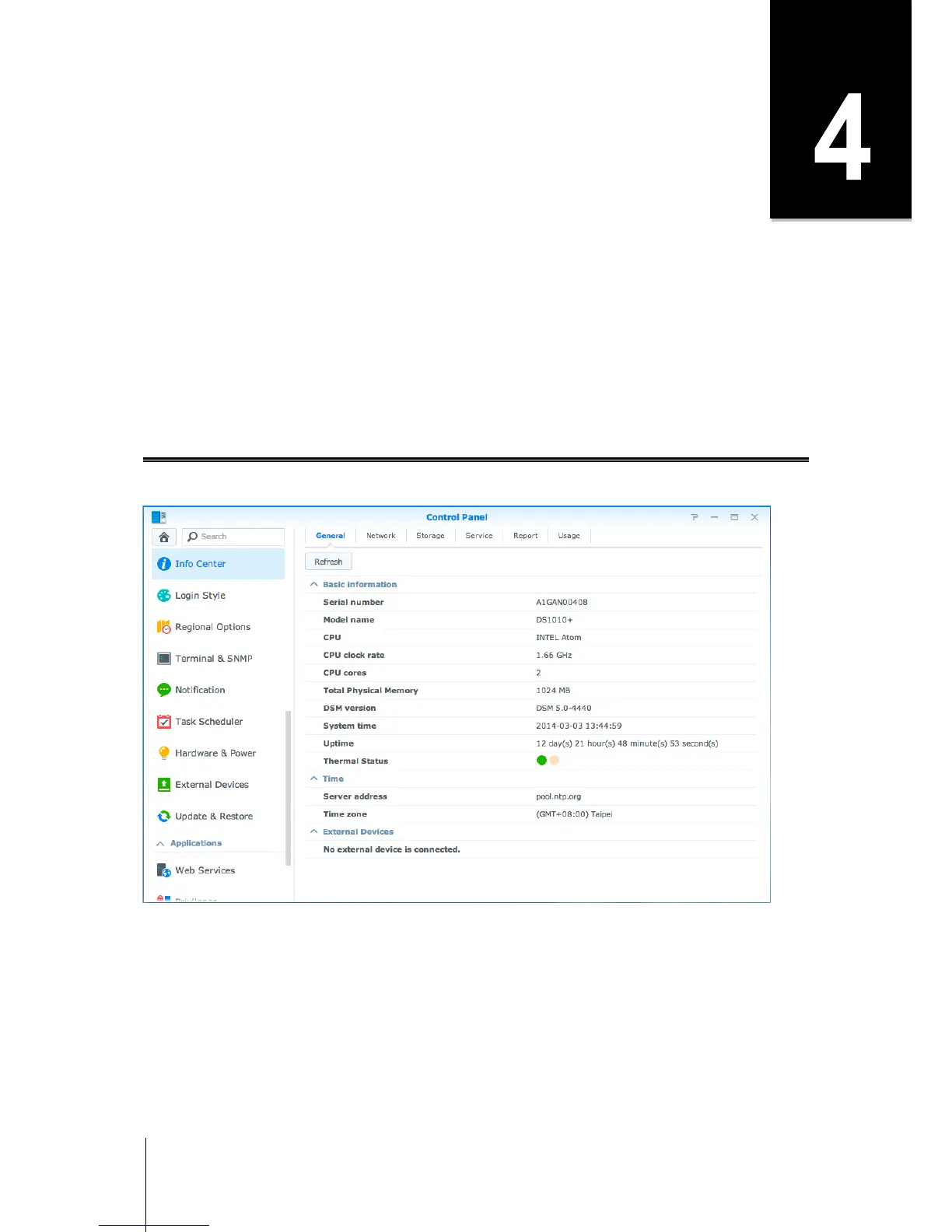
Info Center provides an overview of the status of the IoSafe NAS and other connected devices. Go to Control
Panel > Info Center to check the below information. For more detailed instructions, please see DSM Help.



 To Next Page