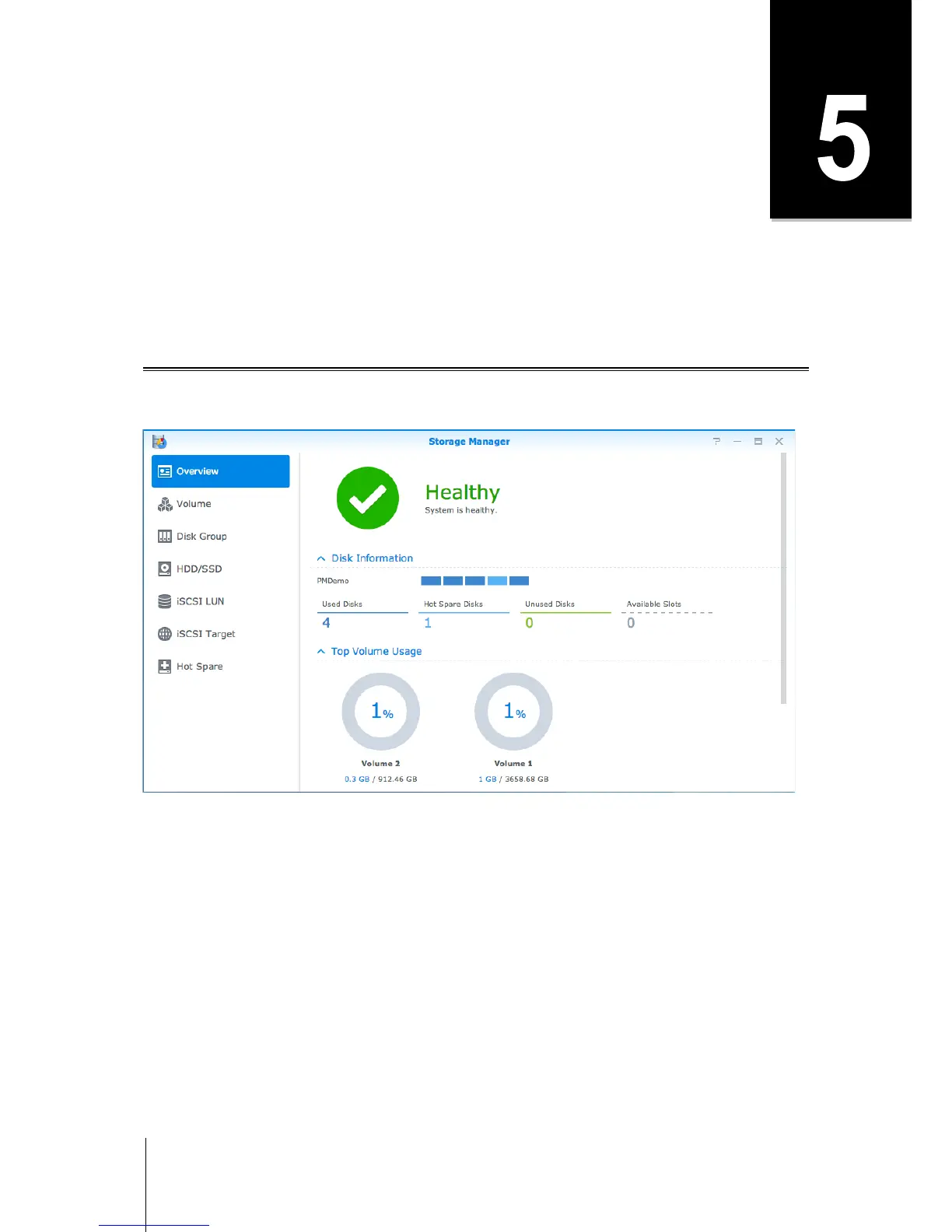
Chapter 5: Manage Storage Space
Before taking advantage of the various features of your IoSafe NAS, you need to set up at least one storage
space. This chapter explains how Storage Manager can help you manage storage spaces, such as volumes,
Disk Groups, iSCSI Targets, or iSCSI LUNs, as well as view the status of hard drives. For more detailed
instructions, please see DSM Help.
Volumes and Disk Groups
Volumes are the basic storage spaces on your IoSafe NAS. Before you start storing or serving any data, you will
need to create at least one volume. With DSM’s Storage Manager, volumes can be created with various options,
such as different RAID types or customized capacity allocation. For detailed instructions, please see DSM Help.
Create Volumes
To create a volume, go to Storage Manager > Volume and click Create. This action launches a setup wizard
which helps create a volume based on your individual needs.



 To Next Page