Chapter 11: Host Websites and Print Server
IoSafe NAS is designed for small and medium businesses (SMB), providing the ability to set up web and print
servers on a single IoSafe NAS without spending extra money. This chapter provides basic information regarding
these features. For more detailed instructions, please see DSM Help.
Use Web Station to Host Websites
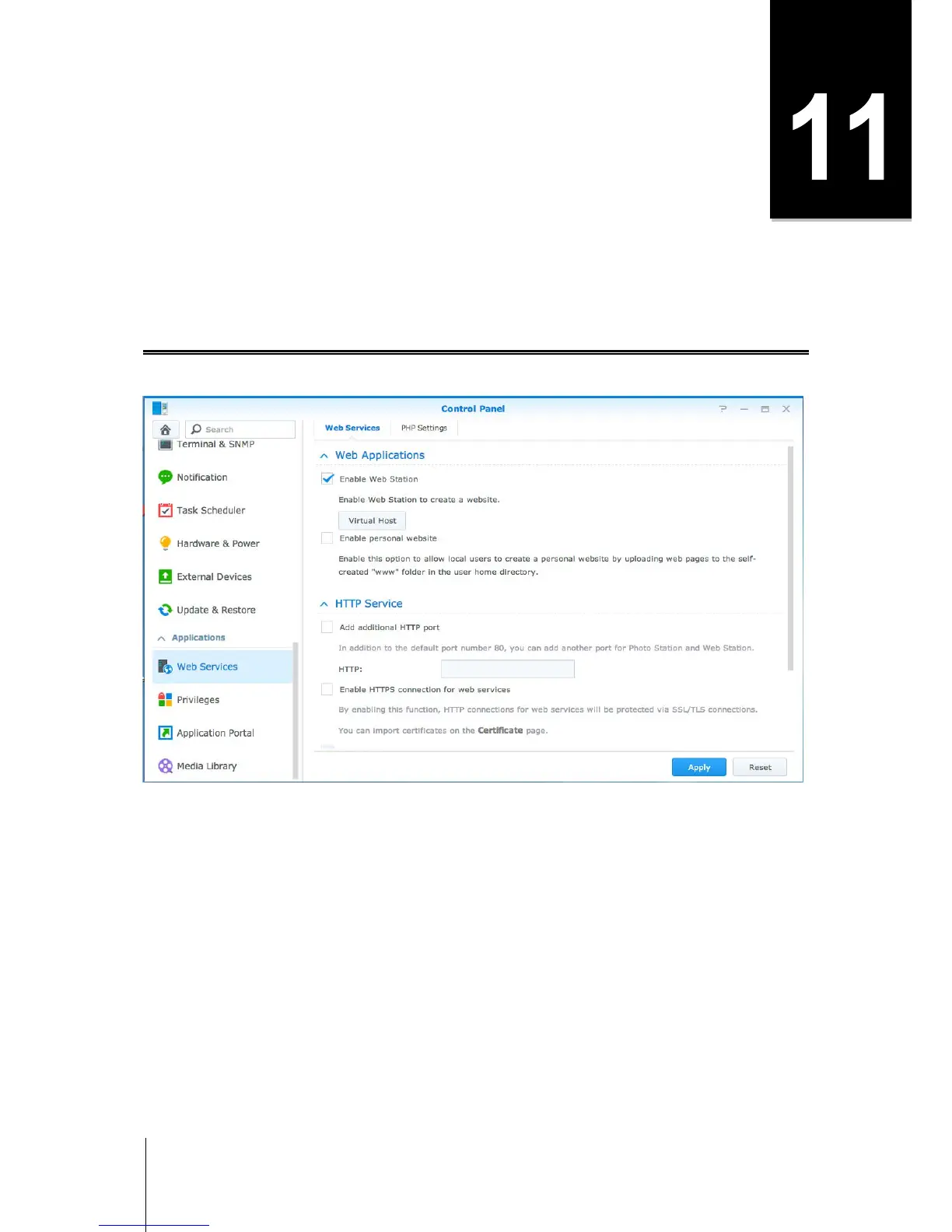
Go to Control Panel > Web Services to set up your website with Web Station, which is integrated with support
for PHP and MySQL. For detailed instructions, please see DSM Help.
Enable Web Station
With the Web Station feature, you can create a website with web pages on the IoSafe NAS. With built-in PHP
and MySQL support, you can create dynamic, database-driven website for your business. There is also a variety
of 3rd party packages such as Content Management, Customer Relationship Management & e-Commerce
system in Package Center, so that you can install them with a few clicks. The default shared folder, "web" will
store the web page files for your website.
Enable Virtual Host to Host Websites
You can host multiple websites on a single server with virtual host feature. Each website can have different port
numbers or even different hostnames.
Enable Personal Website
The personal website function is a convenient way to allow IoSafe NAS users to host their own personal websites.
Each local user, domain user and LDAP user will have a unique website address.



 To Next Page