ioSafe NAS User's Guide
Based on Synology DSM 5.0
15
Use Energy Saving Features
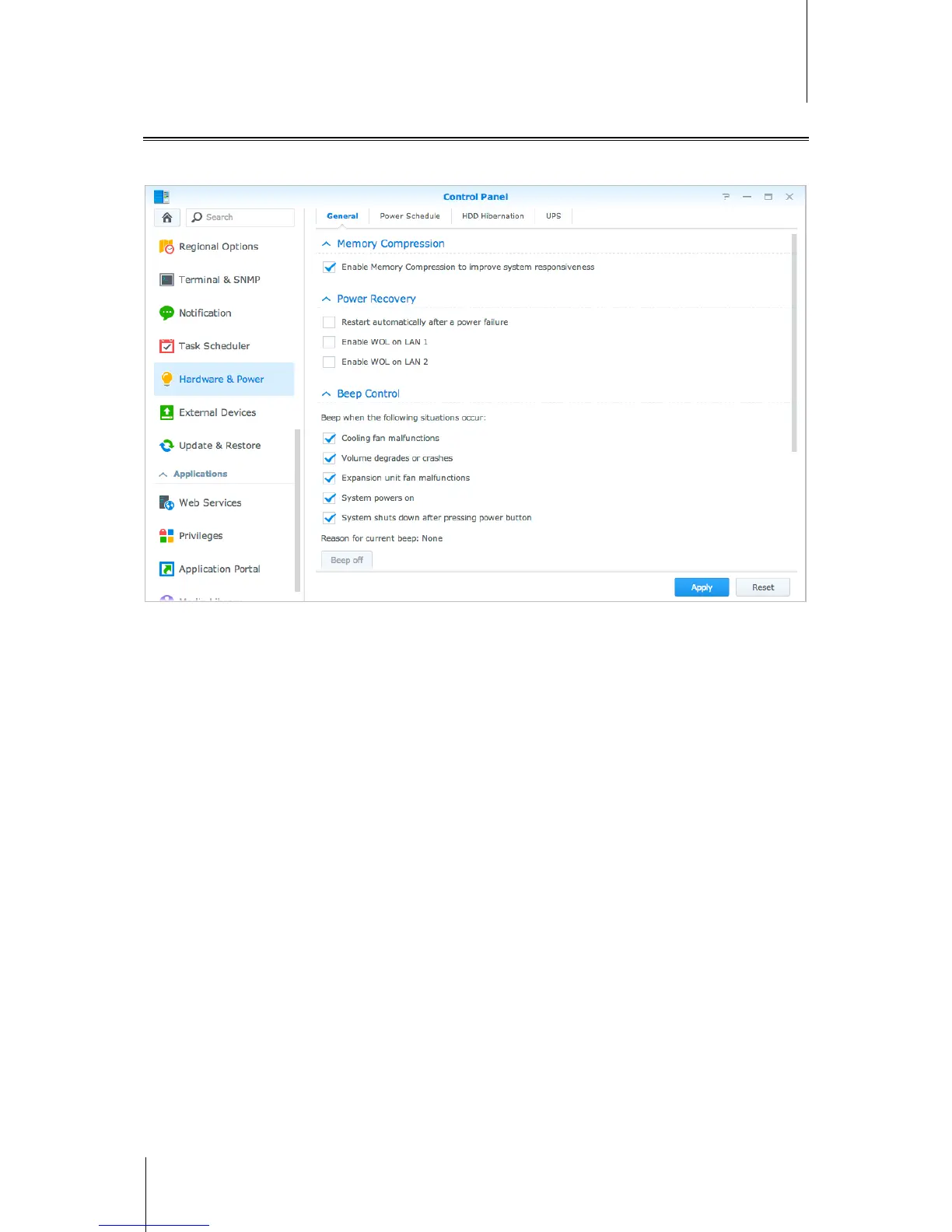
Go to Control Panel > Hardware & Power to manage the following energy saving features provided by DSM.
For more detailed instructions, please see DSM Help.
General
Click the General tab to enable power recovery, Wake on LAN (WOL) and Memory Compression. You can also
modify beep control and fan speed mode here.
Power Schedule
Click the Power Schedule tab to start up or shut down automatically at a specified time.
HDD Hibernation
Click the HDD Hibernation tab to manage disk hibernation for all internal or external disks on your IoSafe NAS.
When a disk enters HDD hibernation mode, it will stop spinning and become inactive, which not only saves
energy but also extends the disk's lifespan.
UPS
Under the UPS tab, you can modify UPS-related settings. UPS (Uninterruptible Power Supply) is a backup power
device that allows the IoSafe NAS to continue operating for a short time if power failure occurs. This function
helps prevent data loss by giving the IoSafe NAS enough time to save data and unmount volumes before losing
power and shutting off. IoSafe NAS supports connecting to local or SNMP UPS devices.



 To Next Page