ioSafe NAS User's Guide
Based Synology on DSM 5.0
31
Set up VPN Connection
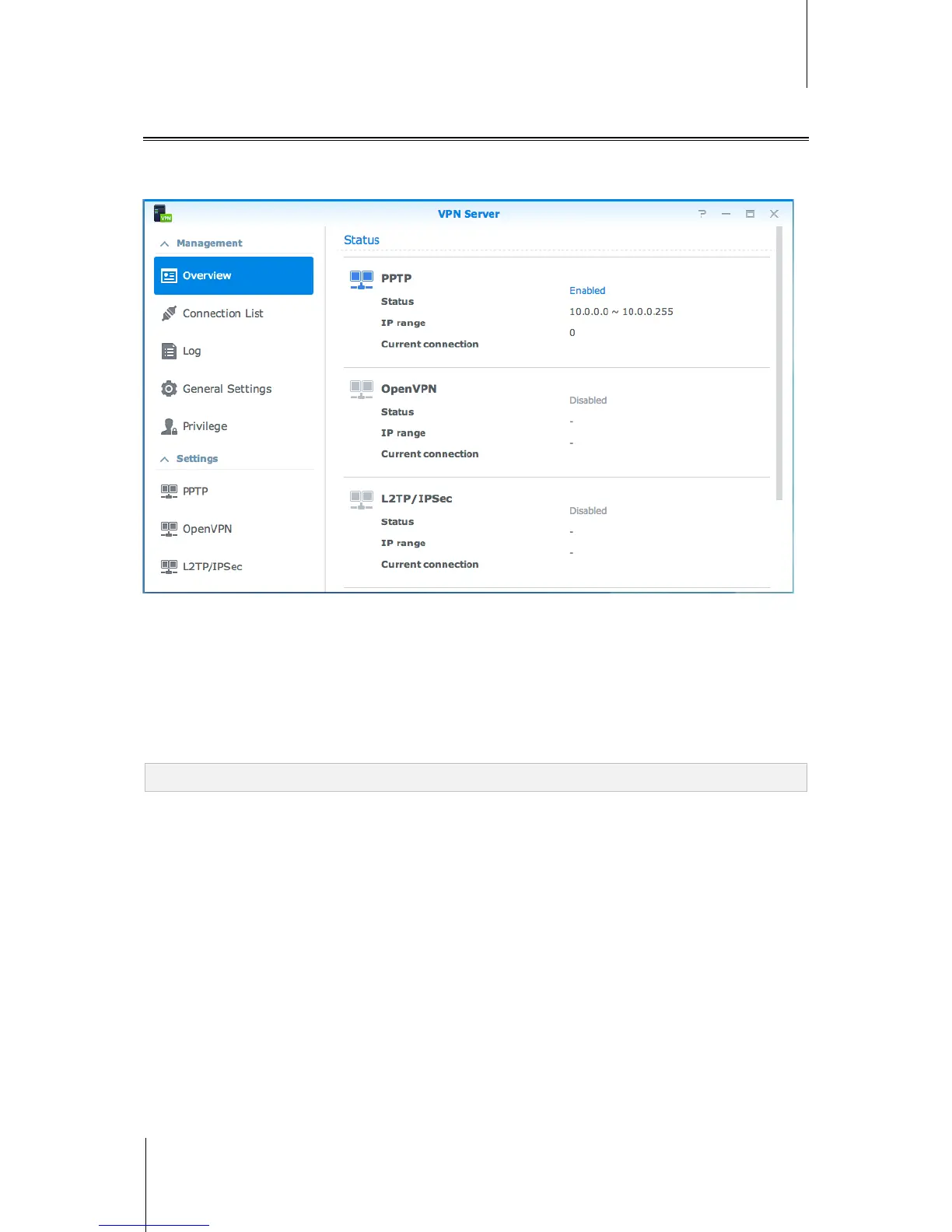
VPN Server is an add-on package that enables your IoSafe NAS to become a PPTP, OpenVPN, or L2TP/IPSec
VPN (virtual private network) server, allowing DSM local users over the Internet to access resources shared
within local area network of the IoSafe NAS.
Set up your IoSafe NAS as a VPN Server
To install VPN Server on your IoSafe NAS, go to Package Center. For more information about VPN Server, run
and launch the package, and then click on the DSM Help button (with a question mark) at the top-right corner.
Connect your IoSafe NAS to a VPN Server
Go to Control Panel > Network > Network Interface to set your IoSafe NAS as a VPN client to connect to a
VPN server, and then gain access to the virtual private network. For each VPN server, you can create or modify
its connection profile, and then use the profile to connect to the server with a simple click.
Note: Your IoSafe NAS cannot be set as a VPN server and client at the same time.



 To Next Page