ioSafe NAS User's Guide
Based Synology on DSM 5.0
44
Access Files via FTP
If your IoSafe NAS is accessible over the Internet, you can use a FTP application to access the shared folders.
Note: For more information about making IoSafe NAS accessible over the Internet, see "Chapter 7: Access your
IoSafe NAS from the Internet".
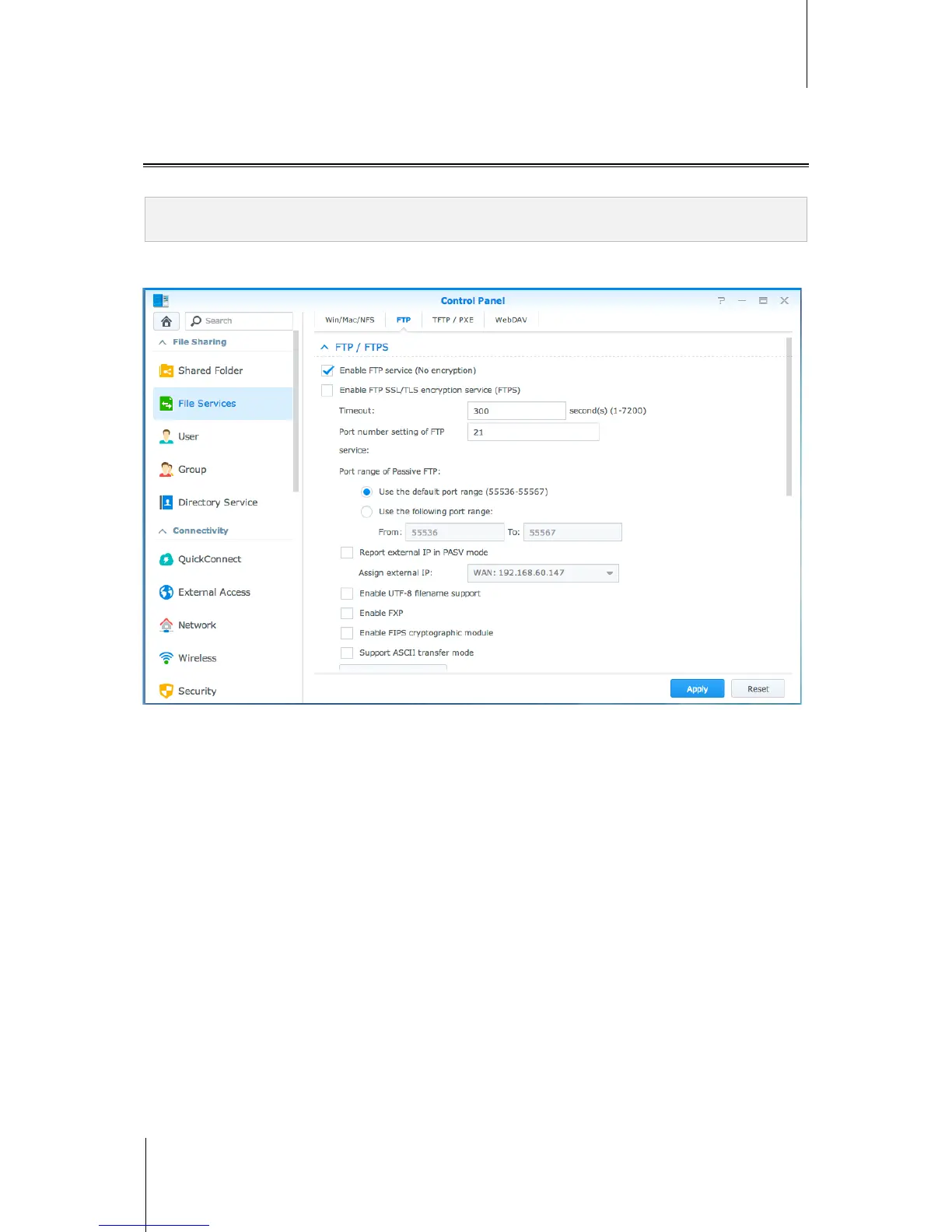
Go to Control Panel > File Services > FTP to enable FTP service, allowing users to upload or download IoSafe
NAS data via FTP.
Connect to IoSafe NAS Using a FTP Application
Open any FTP application on your computer and enter the following information to connect to IoSafe NAS:
IP address or domain name of the IoSafe NAS
Your user account and password
The port number (The default number is 21)



 To Next Page