EN
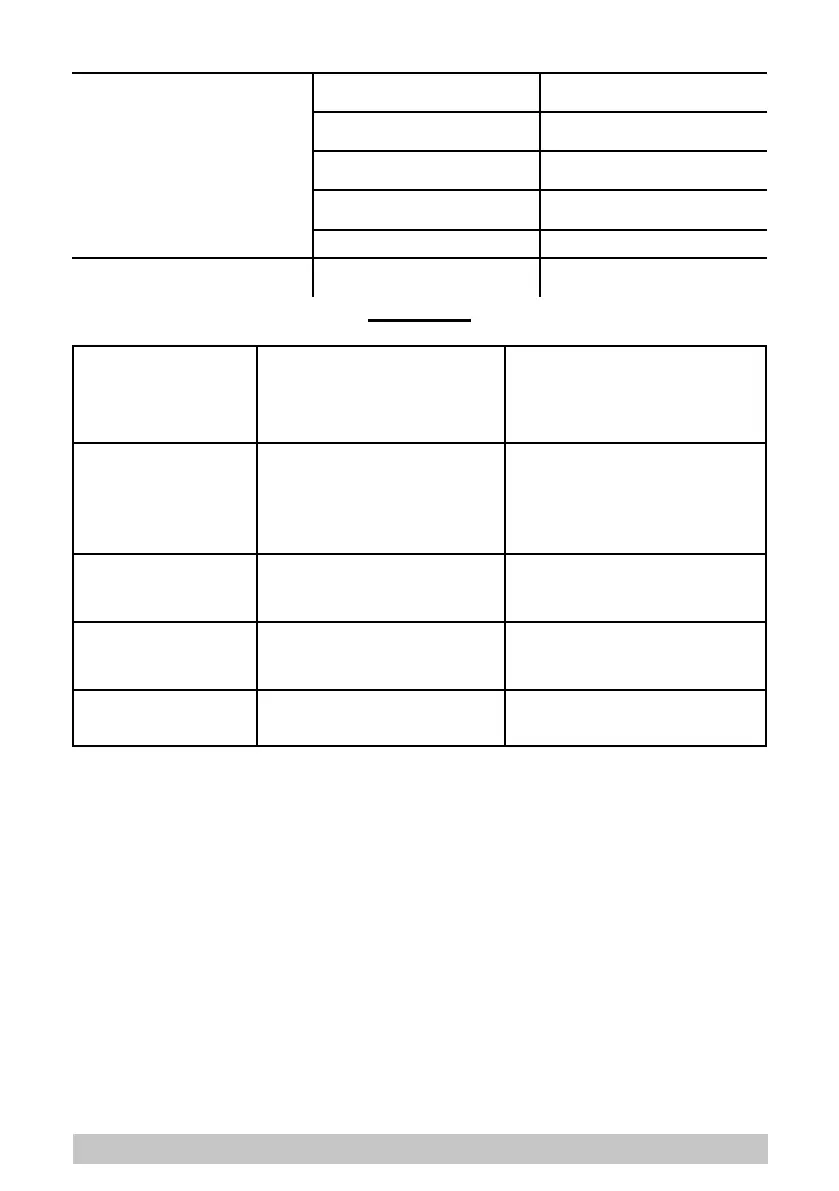
Squeegee not cleaning or vacuum weak.
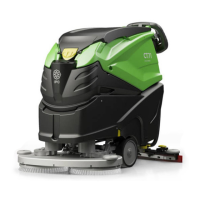
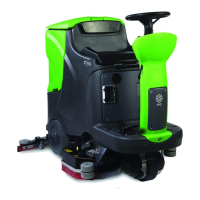
[B-C] Lip of rubber blades in contact
with the oor has become worn.
[B-C] Replace squeegee blade.
[B-C] Float controlled shut-o has been
tripped (dirty water tank full).
[B-C] Empty out dirty water tank.
[B-C] Blockage in squeegee suction
hose.
[B-C] Remove blockage.
[B-C] Suction hose either not connected
to squeegee, or damaged.
[B-C] Connect or repair suction hose.
[B-C] Diverter valve dirty. [B-C] Clean diverter valve.
Battery not giving expected operational
endurance.
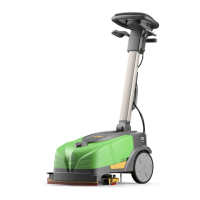
[B] Battery charger not working. [B] Replace battery charger.
ALARMS
Brush motor thermal overload. Red Led alight on brush control button, 1
slow blink
Switch o all functions of the machine.
Remove the dirty water tank to let more air into
the motor housing.
Wait a few minutes, then restart the machine
If the problem persists, contact customer
service.
Brush motor overcurrent/short
circuit.
Red Led alight on brush control button, 1
fast blink.
Switch o all functions of the machine.
Restart the machine.
If the alarm appears again, make certain that
the brush is not being used on a particularly
rough oor.
If the problem persists, contact customer
service.
Detergent pump overcurrent/
short circuit.
Red Led alight on brush control button, 2
fast blinks.
Switch o all functions of the machine.
Restart the machine.
If the problem persists, contact customer
service.
Suction motor overcurrent/short
circuit.
Red Led alight on suction control button, 1
fast blink.
Switch o all functions of the machine.
Restart the machine.
If the problem persists, contact customer
service.
Excess battery voltage. Green battery charge Led blinking. Check the integrity, operation and use of the
battery charger supplied with the machine.
26


 To Next Page