2 FUNCTIONS OVERVIEW AND MANAGEMENT
2 FUNCTIONS OVERVIEW AND MANAGEMENT
2.7 Remote Access
2.7 Remote Access
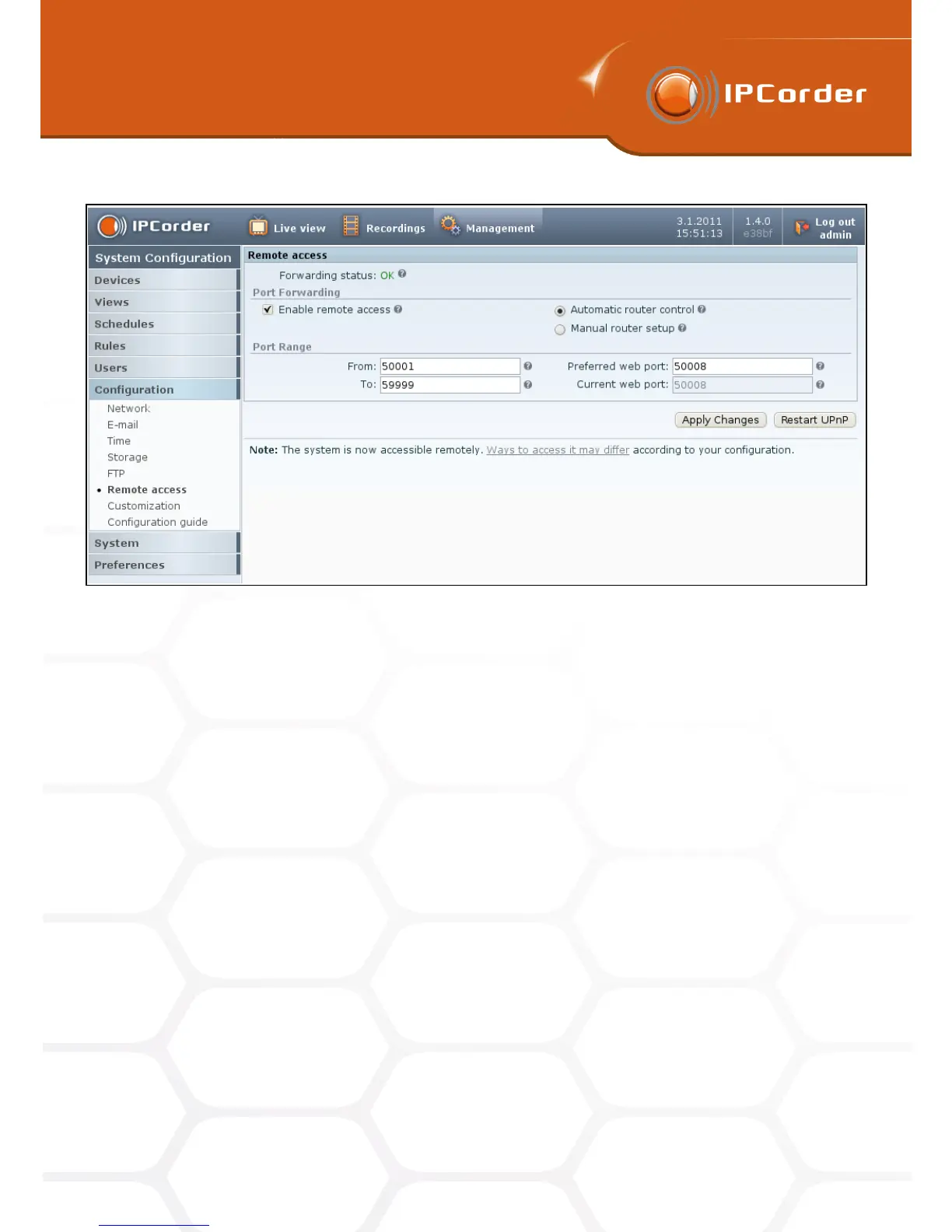
Figure 8: Remote access
When this option is used, the IPCorder provides the access to its subordinate devices dynamically only
for as long as the user is using the IPCorder’s Live View function.
• Manual router setup – If your router does not fully support UPnP protocols, it is necessary to set the
remote access to the devices by static configuration.
Fill in the Preferred number of the port, at which the IPCorder should be available from the outside networks,
into the Preferred web port input box. If your Internet Gateway has a outgoing address (public Internet address)
for example: 194.114.132.12, and the Preferred web port will be set to 1024, then the address you will input
into the Internet browser for accessing the IPCorder remotely will be http://194.114.132.12:1024 (the link is
displayed in a public URL format). The Port Range then specifies the scale of available ports the IPCorder can
allocate to its subordinate devices to make them also remotely accessible. It has to be large enough to allow
for two ports for each device and two for IPCorder. The values of From and To are inclusive, and the value set
for Preferred web port must lie within this range.
If you are using the manual router setup, the IPCorder will, after the changes are confirmed, generate a table
according to which the router must be configured (Figure 9). You can print out the table by clicking the Print
Static Tunnels button.
The content of respective fields is:
• Timestamp – The time and date of the last change of settings. Every time when the IPCorder settings are
changed, a new camera is added or its network parameters are changed, it is necessary that the router
is configured to according to the latest version of the table.
14



 To Next Page