4 RECORDING MANAGEMENT
4 RECORDING MANAGEMENT
4.7 Power off/Restart and LED signalisation
4.7 Power off/Restart and LED signalisation
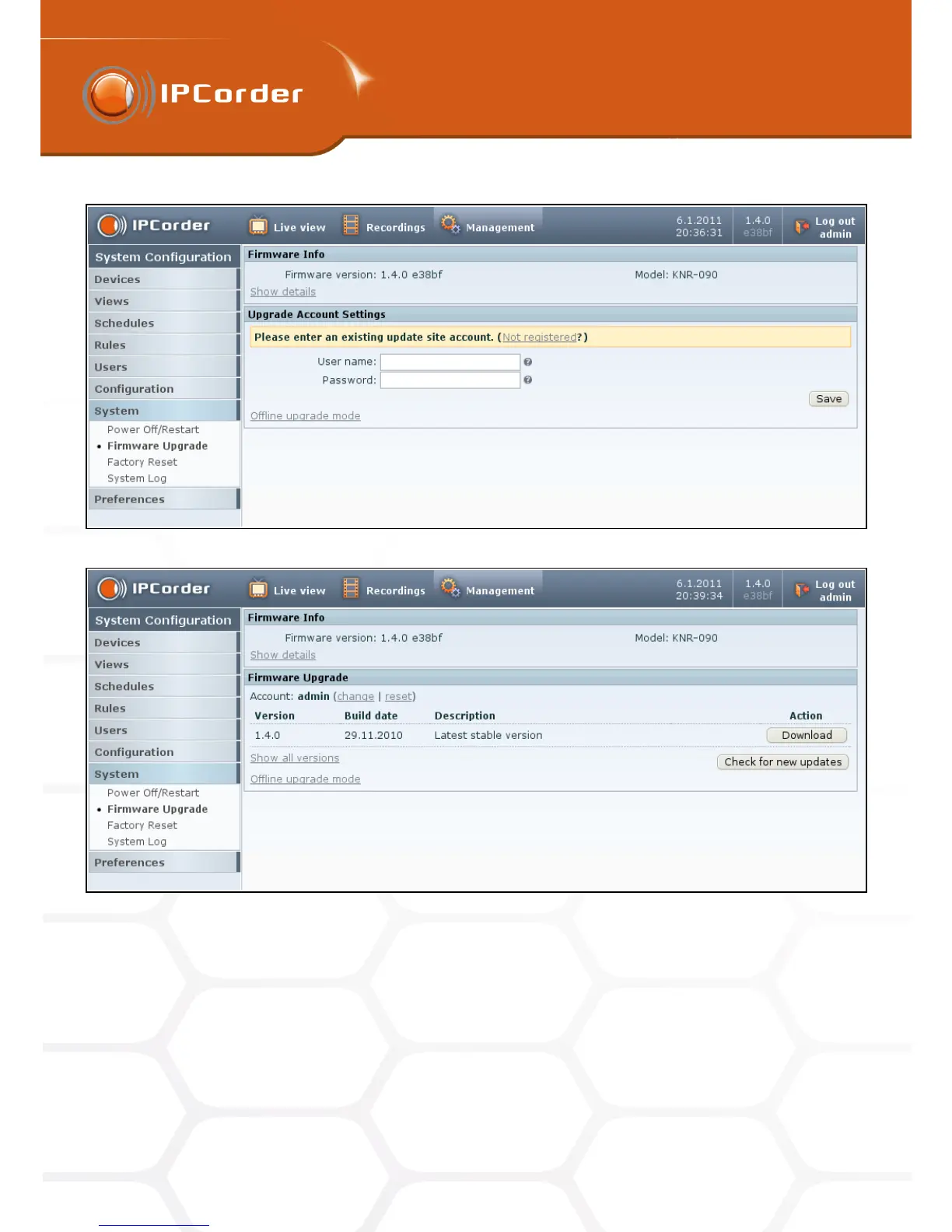
Figure 37: Upgrade acount
Figure 38: List of the available firmware versions
It is also possible to use the hardware buttons. KNR-090 has Power a Reset buttons on its back side. Pushing
the power button shortly will shut down the IPCorder application running on the device. Holding the power
button for more than 5 seconds will power down the whole device including the hardware.
Pressing the reset button will reboot the system. If you hold the button longer the system will redirect to Factory
reset page.
If necessary it is possible to perform the whole factory reset using the reset button only. Press and hold the
47



 To Next Page