4 RECORDING MANAGEMENT
4 RECORDING MANAGEMENT
4.7 Power off/Restart and LED signalisation
4.7 Power off/Restart and LED signalisation
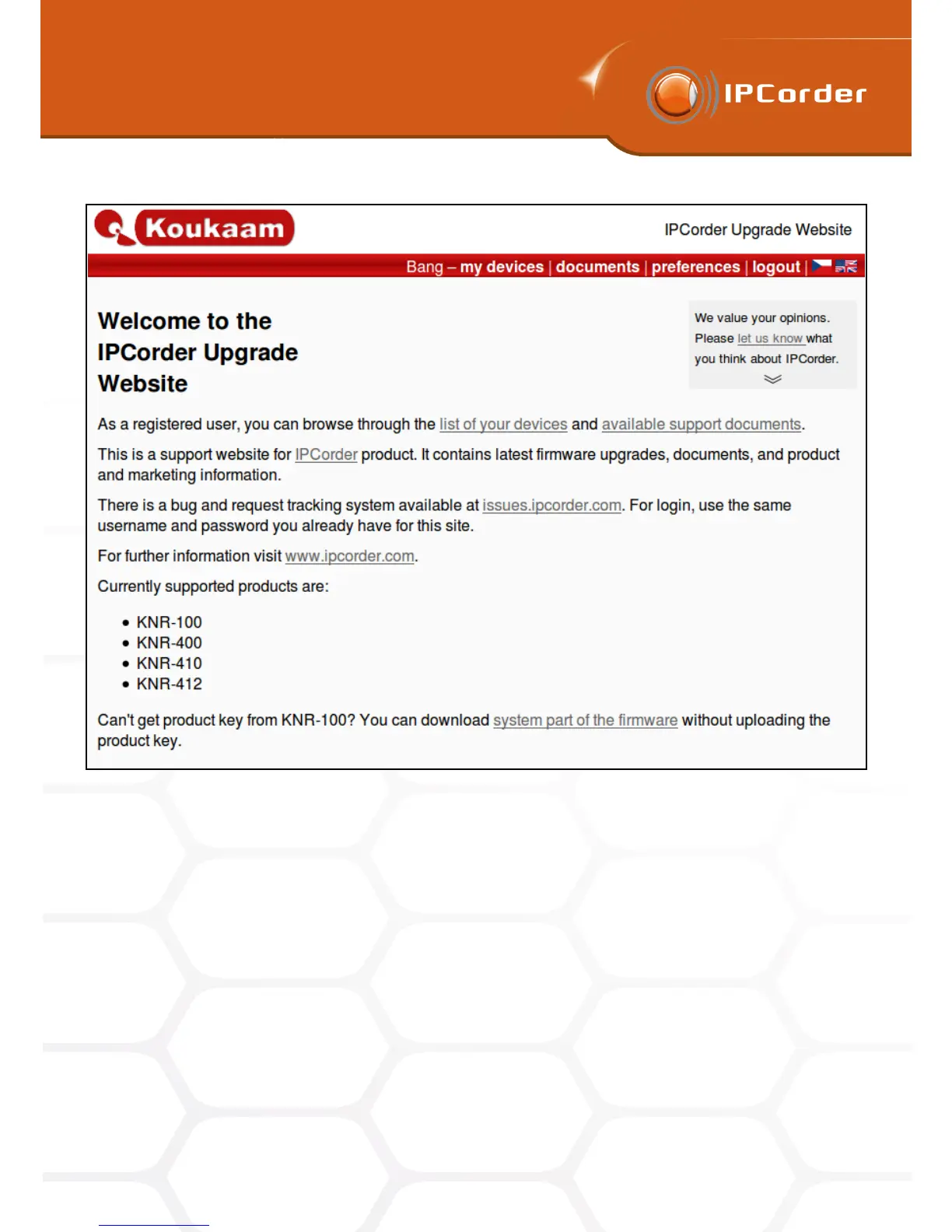
Figure 39: Welcome page of the upgrade server
button until the device top LED begins to signal the Factory reset in progress by flashing red and blue. You may
need to hold it for up to 3 minutes. When performing the factory reset this way you cannot preserve the network
or storage settings, as such this process is recommended only in special situations.
LED states:
• Normal state – Blue
• Installation and Rescue mode – Flashing red
• Start/Power off/Restart – Flashing blue
• Factory reset – Flashing blue and red
48



 To Next Page