User’s Guide
Port explanation
Power jack Connect power adapter (7.5V/1.5A)
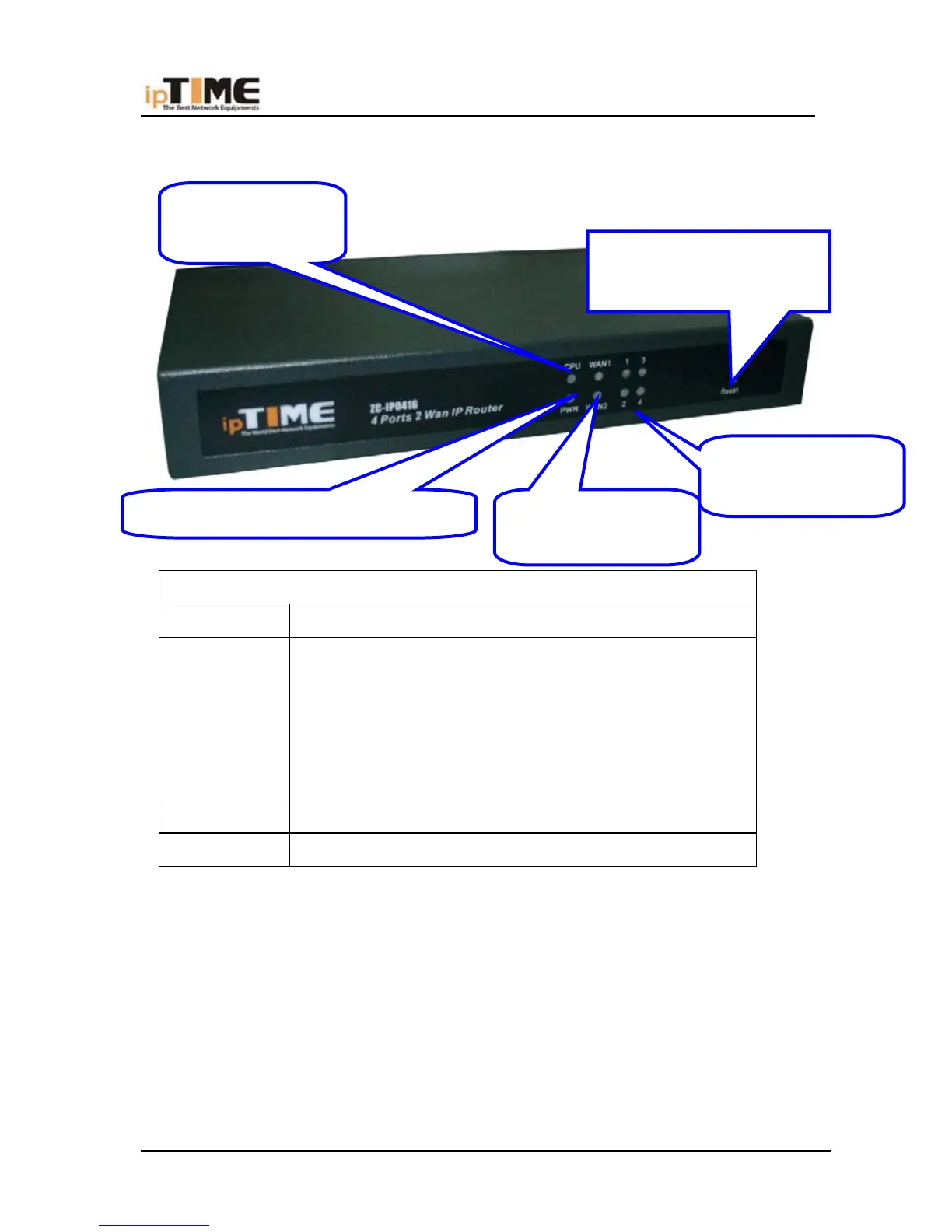
Reset
Press Reset button. Switch the power off/on. After
switching the power on, about 5 seconds later RUN
LED will flash rapidly, then release the button. After
Broadband Router startup, all configuration will
restore to default configuration.
WAN Connect xDSL/Cable Modem or Special cable
LAN 1~4 Connect personal computer or hub, switch and so on
RESET:Refresh defaulted
Value
WAN(Green):WAN
Status
LAN(Green):LAN
Status
RUN(Green ):
Running
POWER(Red):Power Status
-12- www.zioncom.net



 To Next Page