User’s Guide
DDNS Setup
DynDNS client can be stopped or started.
Use the user ID and password used when registers the DynDNS account.
Host Name Registration
Enter the host name already registered on DynDNS server.
5 host names can be entered.
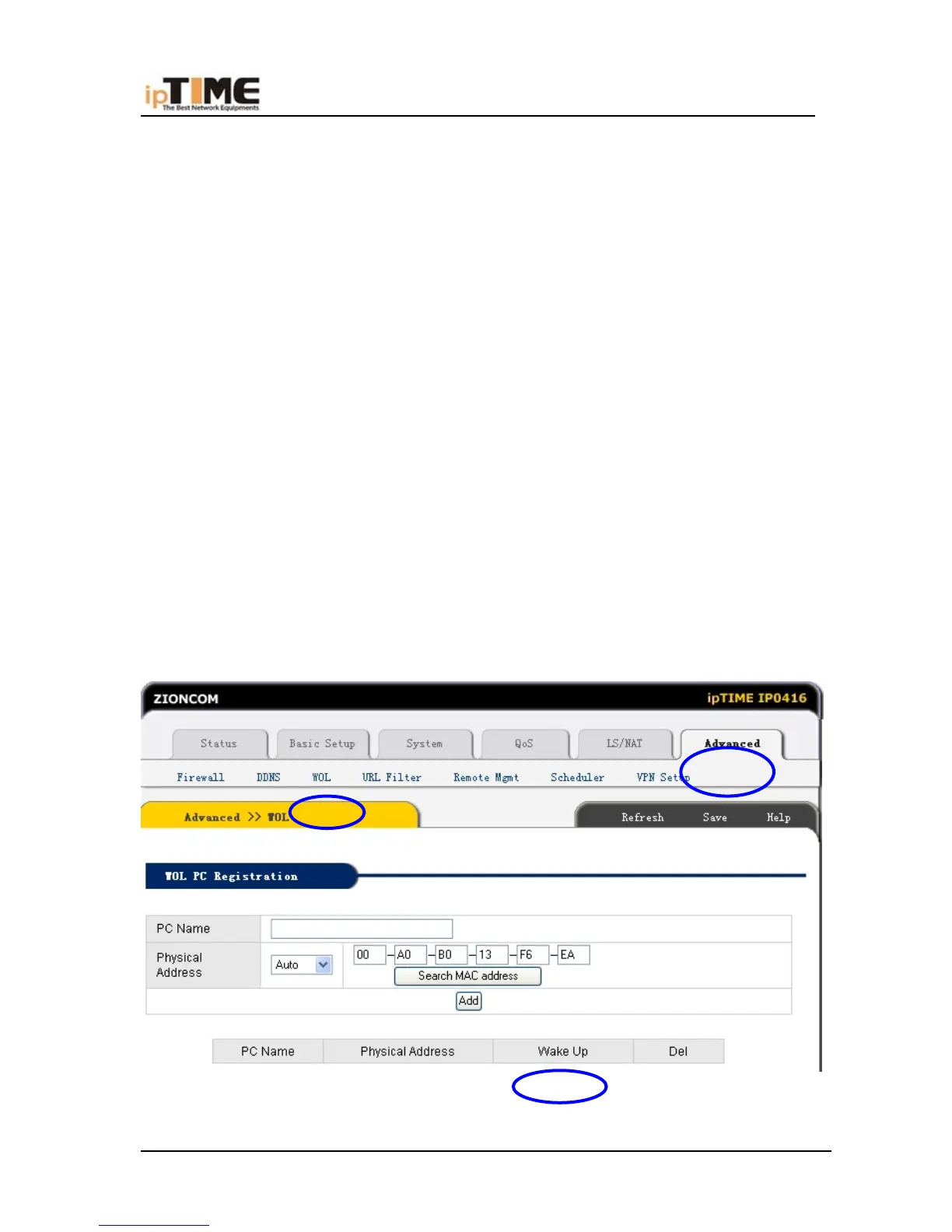
6.10.3 WOL
WOL stands for Wake up On LAN and the PCs connected to router can be
turned on with WOL function.
Use the LAN cards and motherboards which is compatible with WOL
specification.
PC Name
Enter the PC names to distinguish the PCs.
Physical Address
[Auto] : The hardware address of the PC connected to the web console
[Manual] : User specified hardware address.
-84- www.zioncom.net



 To Next Page