User’s Guide
6.10.4 URL FILTERING
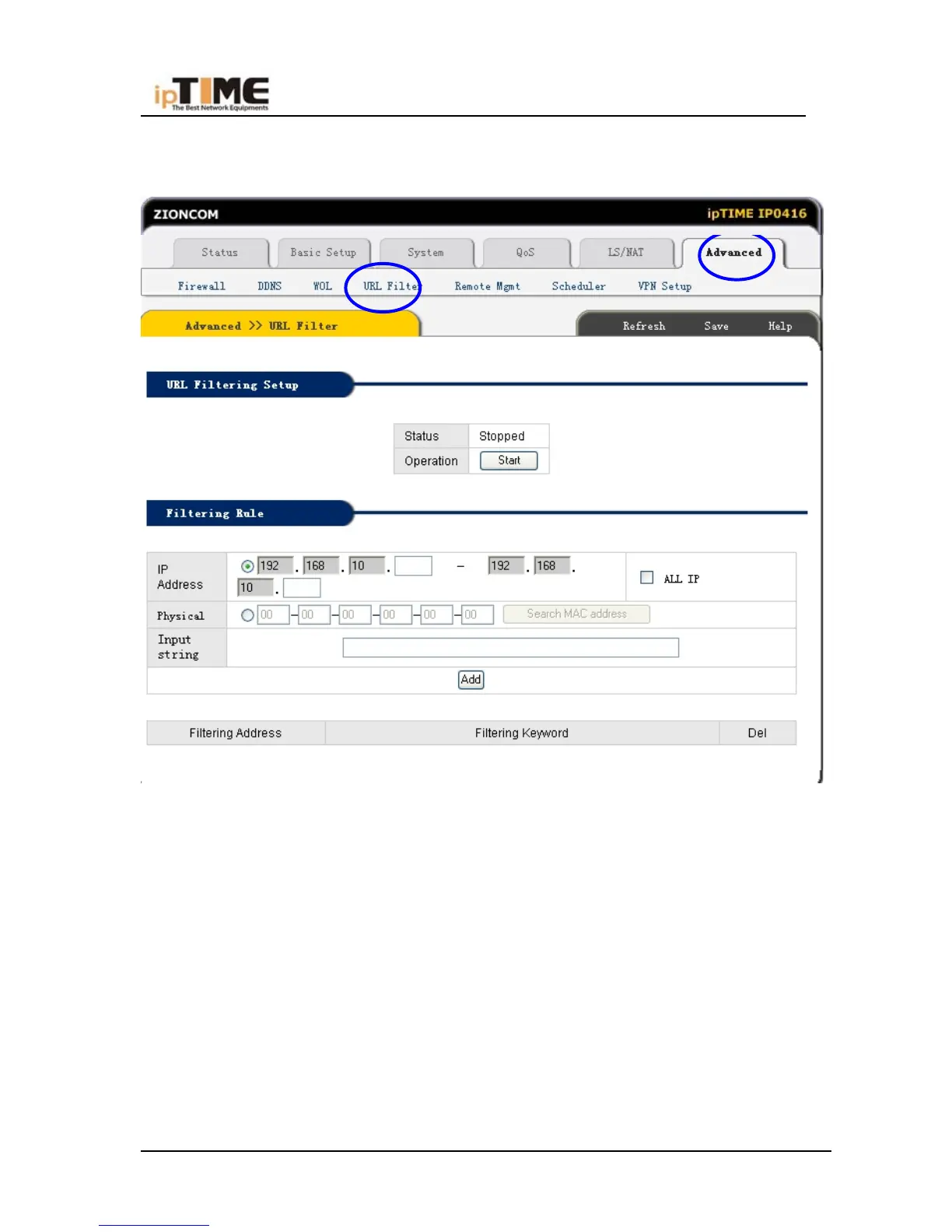
Click “Advanced”-URL filtering, refer to following snap,
URL Filter
The access of the URL site which has specified string will be blocked.
URL Filtering Setup
The status of URL filtering is showed and changed with this menu.
Filtering Keyword
Enter the string of URL which site need to be blocked.
As example, for the filtering keyword 'sex hangame porn', the site named as
www.sex.com / www.hangame.com / www.porn.com will be blocked
-85- www.zioncom.net



 To Next Page