User’s Guide
(11) Input CMD ,then Click “ok”
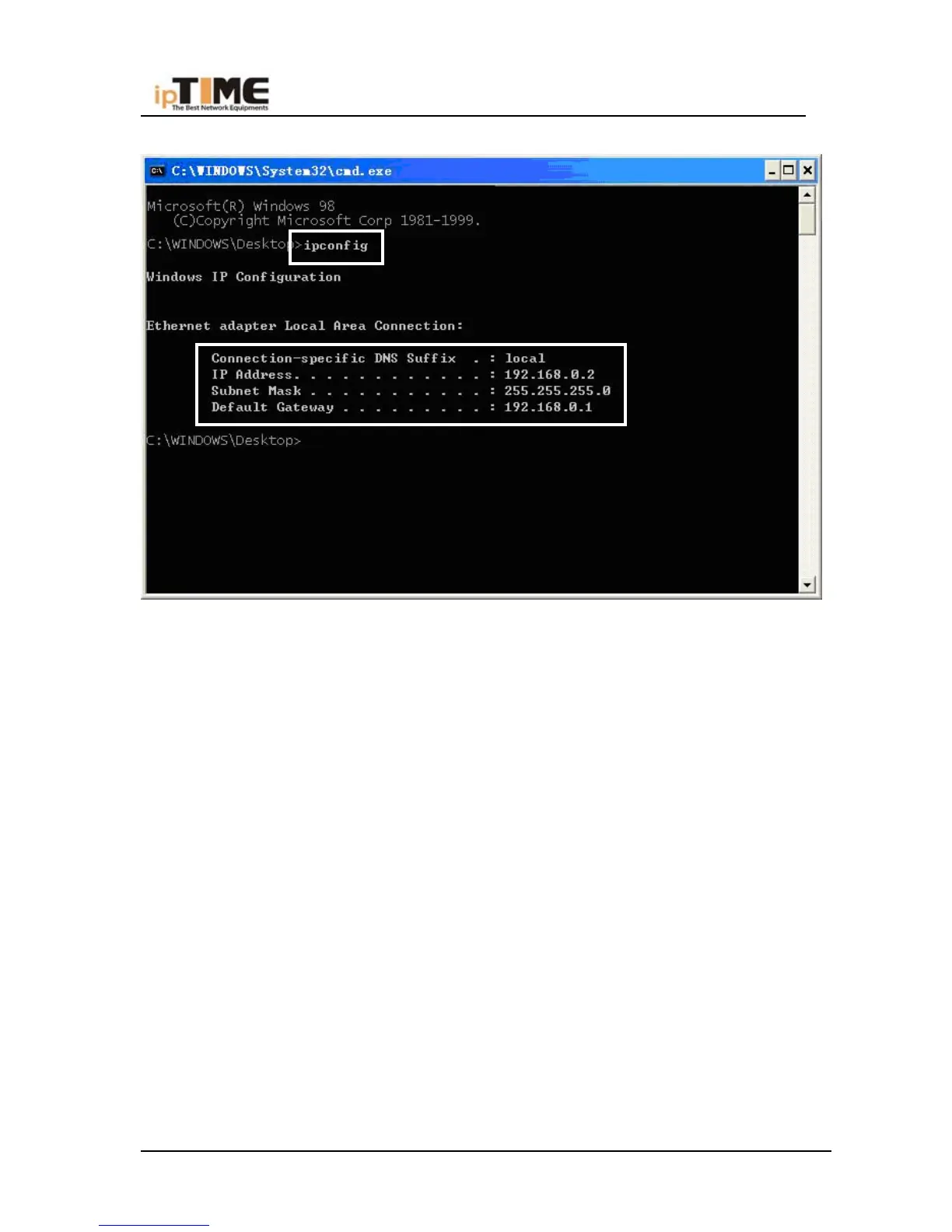
(12) Enter “ipconfig”
Make sure IP information is same as following value, if it same to the setup is
correct, if different, please repeat above setup.
IP address should be range from 192.168. 0.2 to 192.168. 0.254.
Subnet Mask should be 255.255.255.0 。
Defaulted Gateway is 192.168.0.1 。
(13) Enter Ping 192.168.0.1 If see Reply from 192.168.0.1 bytes=32 time=1ms
TTL=64, so connection between PC and router succeed
-21- www.zioncom.net



 To Next Page