User’s Guide
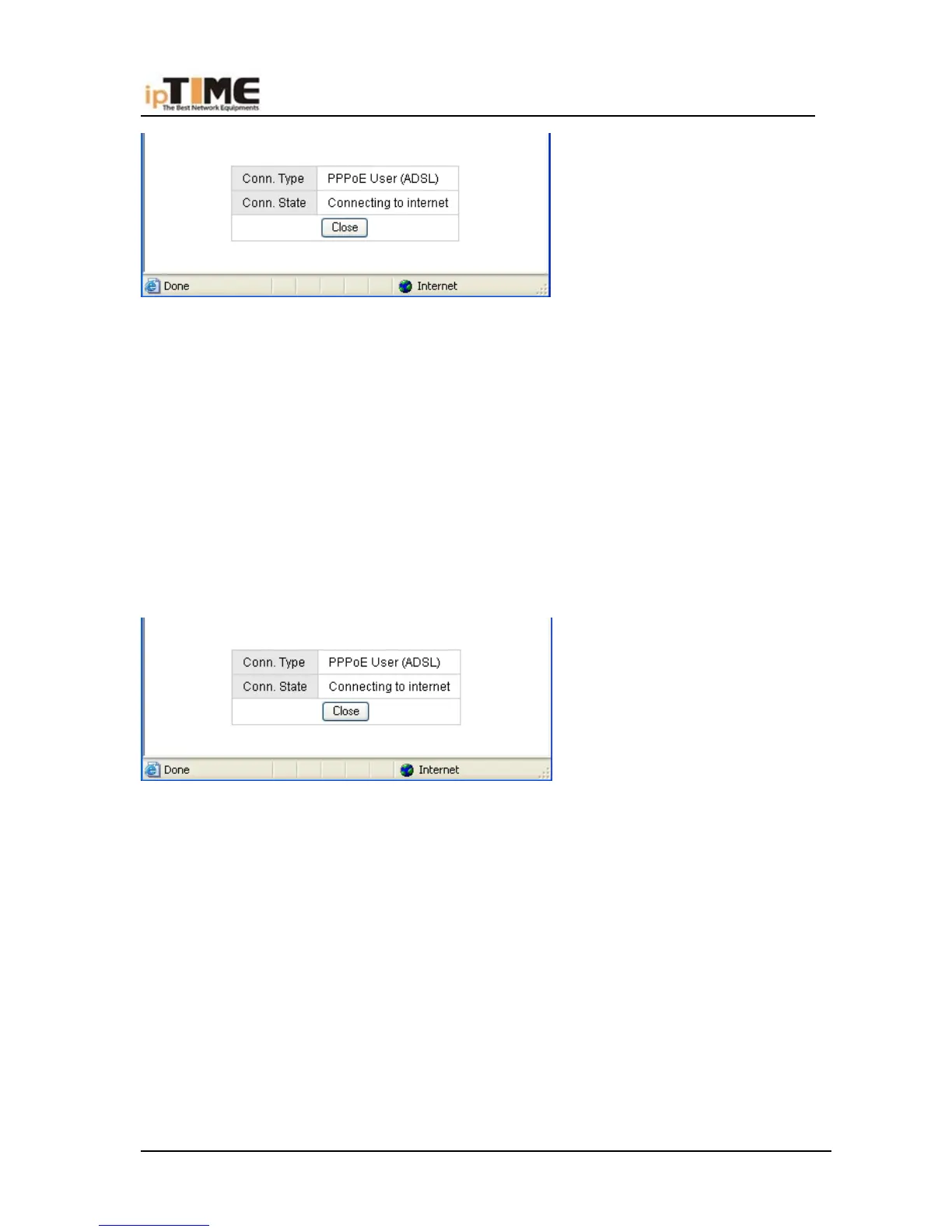
(7) In case “Conn. Status” is “Successfully connected”, the configuration is
correct.
(8) Click “Show Internet connection status”.
* If In case “Conn. Status” is “Invalid ID/password”, the configuration is
incorrect.
(9) Click the “close” button and check your ID& password.
* If “Conn. Status” keeps unchanged, check whether your service type is
correct.
(10) Confirm the WAN connection status: If WAN connection is successfully
established, then by clicking “Show Internet Information” you can enter WAN status
web page; or click “Status”-> “WAN status”, as the following.
*Connection Type should be PPPoE (ADSL)
*Connection Status should be “successfully connected”
*Physical Address is shows Router WAN port MAC Address.
*WAN IP Address, Subnet mask, Default Gateway, Primary DNS server and
Secondary DNS server can be different from the following values. (These
addresses are provided by your ISP)
-40- www.zioncom.net



 To Next Page