User’s Guide
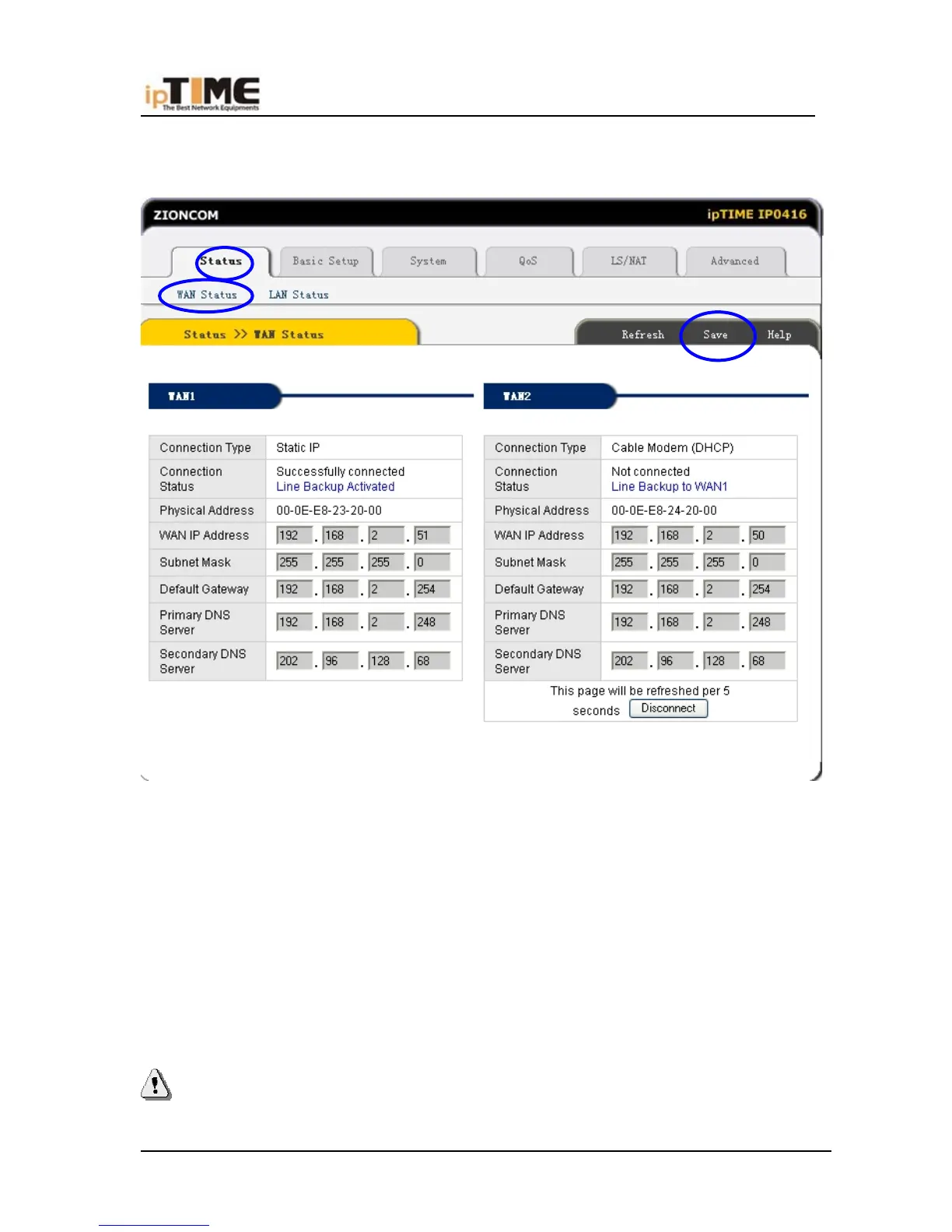
Internet Information” to enter WAN status page; or click Status->WAN status, as
following diagram:
(7) If WAN connection is successfully established, you can see the following.
*Connection Type should be “Static IP”
*Connection Status should be “successful connection”
*Physical Address is shows Router WAN port MAC Address.
*Confirm WAN IP Address, Subnet mask, Default Gateway, Primary DNS
server and Backup DNS server is same with the values provided by ISP or not.
(8) Click the “Save” button to keep current configuration, then restart computers
in LAN to re-get IP relative information.
Note:
-50- www.zioncom.net



 To Next Page