3: SyStem CONFIGURAtION
Iridium Pilot User Manual 37
3.8.3UploadingtheConguration
A conguration le can be uploaded to a Pilot IBSU in two ways, either via the IBSU’s conguration web page
or using the rmware upgrade tool.
To upload a conguration le via the IBSU web pages:
1. Login to the ISU web pages as an administrator
2. Navigate to the Conguration page
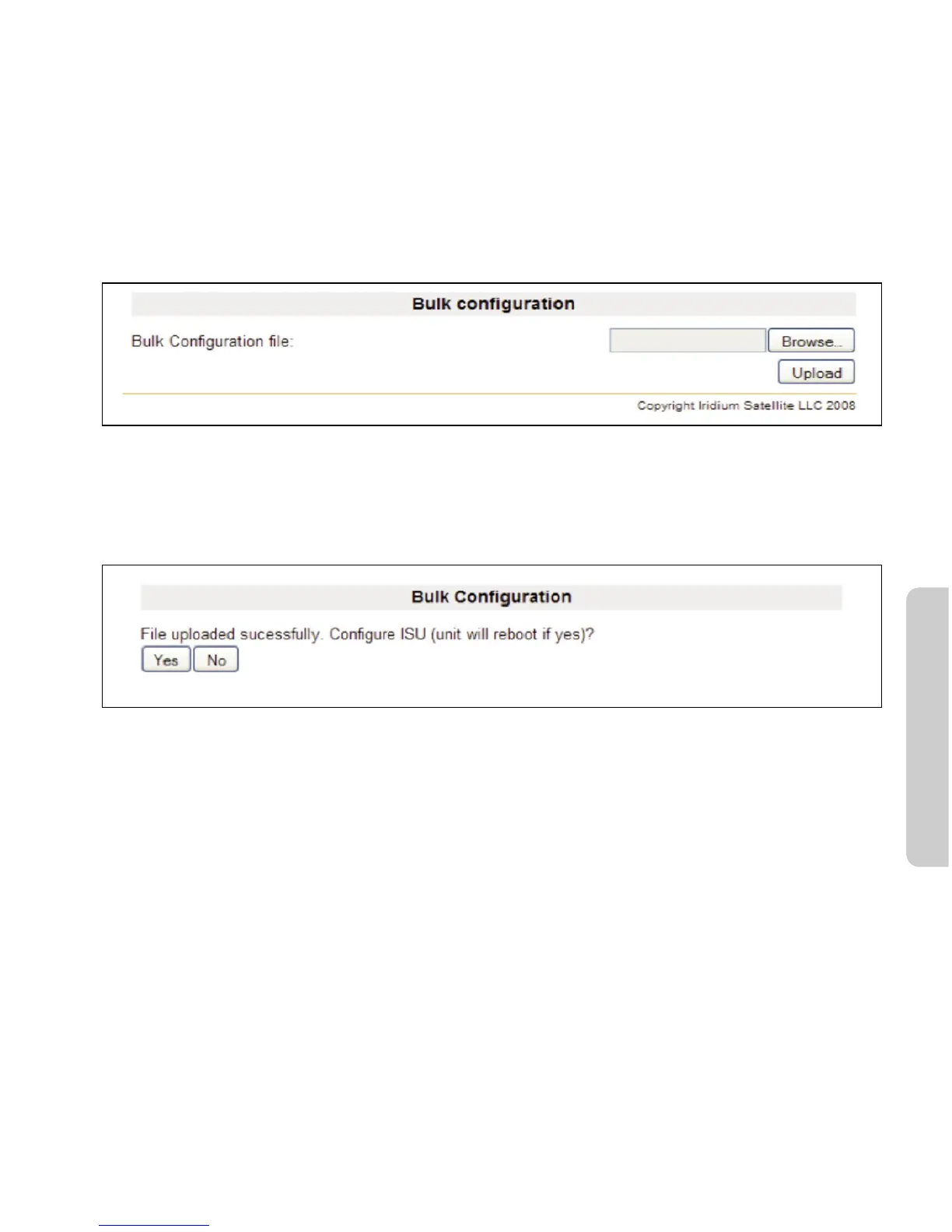
3. Locate the Bulk Conguration section at the bottom of the page.
Windows and Windows XP are either registered trademarks or trademarks of Microsoft Corporation in the United States and/or
other countries.
4. Click on the browse button and select an Openport conguration le from the dialog box.
5. Click Upload
6. When asked if you are want to congure the ISU click yes
Windows and Windows XP are either registered trademarks or trademarks of Microsoft Corporation in the United States and/or
other countries.
7. The new conguration will be applied and the ISU will reboot.



 To Next Page