38. INSTALLATION & RUNNING THE VIEWER
1. The viewer software is not pre-setup in the memory card.
2. Connect power to the product after inserting Micro SD card. Recording time could differ depending on the capacity of SD card.
3. Take 3~5 minutes to initialize and create the file system when first use.
(All LED flicker while initializing, There will be REC on when it starts recording after finishing) Insert the SD card into PC.
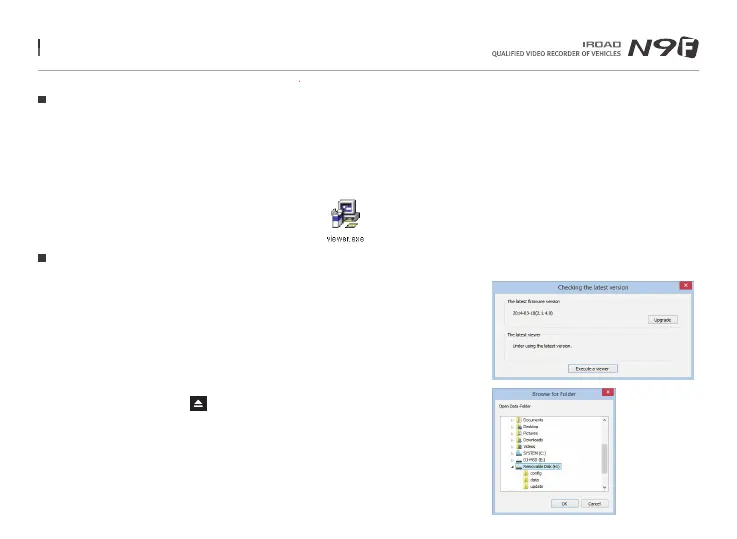
4. Run viewer.exe which is saved in the memory card.
1. Confirmation pop-up window appears if there is internet connection as picture shown.
If there is no internet connection, IROAD VIEWER will run directly.
2. Press“run a viewer”icon to start viewer program.
3. Open File - Click the icon in the viewer to browse folder window
as shown in the picture. Select removable disk, press "OK" button.
Program Installation
Running the Program
Menu and function can be changed without prior notice by sudden firmware upgrade or product enhancement.



 To Next Page