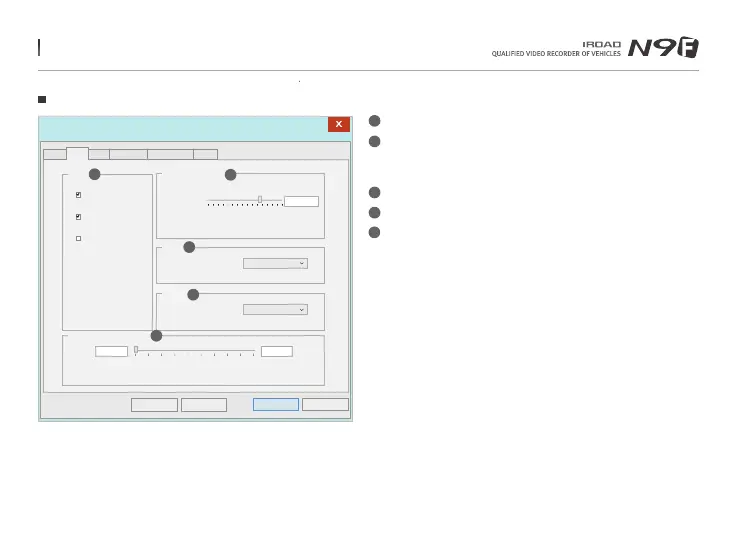
46. DEDICATED PC VIEWER SETTING
Event Settings
Setup(H:/config/system.cfg)
Cancel
OK
Impact
Sensitivity
Normal
Storage capacity of the event
0%
CAUTION : If this setting is changed all recorded data is deleted.
Event
100%
Normal
Default
Load Config
Event
IMPACT
PARKING
MOTION
Parking
Sensitivity
Normal
Event Recording Time
Post-Alarm
20Seconds
1 30
1
2
3
4
5
System Event ADAS User Settings Removable Disk Version
Event - Activate/Deactivate Impact/Parking/Motion function
Event Recording Time
- Recording after an event: Able to set the recording after an event happen.
(Available between 1~30 seconds)
Impact - Set the sensitivity for impact. (G-Sensor)
Parking - Set the sensitivity during parking mode. (G-Sensor)
Event Storage Capacity - Set the capacity storage for Event folder
and Normal folder.
1
2
3
4
5
Menu and function can be changed without prior notice by sudden firmware upgrade or product enhancement.



 To Next Page