53. HOW TO CONNECT
ANDROID
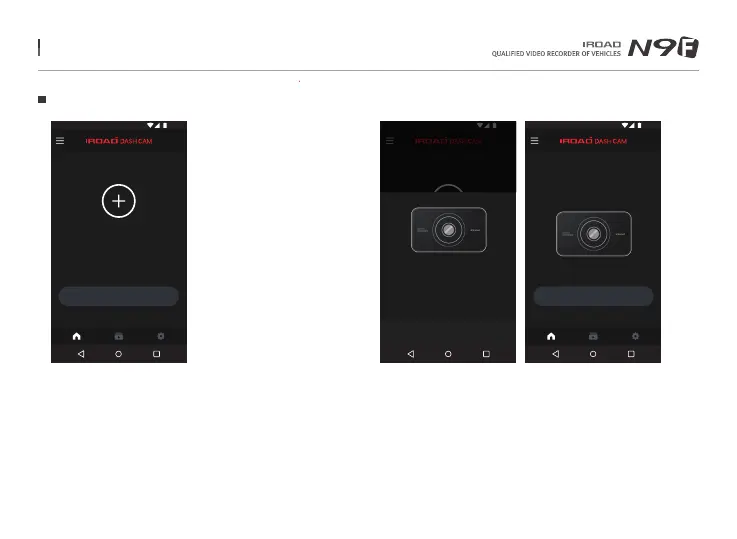
Register the product when first run the application
- Press the Wi-Fi registration button of the product to activate
"Registration standby mode"
STEP 1
Smartphone is searching close located product with priority
- The image, SSID and model are displayed
- Registration is completed when press the product image
STEP 2
ADD DEVICE
Please add
IROAD DASH CAM
12:30
LIVE VIEW
12:30
MY DEVICE : IROAD XXX
Ver 2.0.0 18.08.24
1 / 1
Add device
Please add
IROAD DASH CAM device.
12:30
Refresh
IROAD_XXX_XXXXX
Model : XXX
Signal strength : Very good
1 / 8
Menu and function can be changed without prior notice by sudden firmware upgrade or product enhancement.



 To Next Page