24 of 48
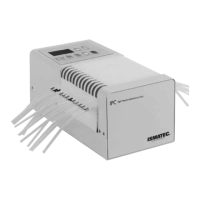
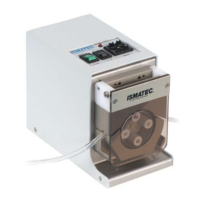
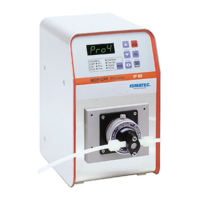
IPC/IPC-N, 14-013, REV. D
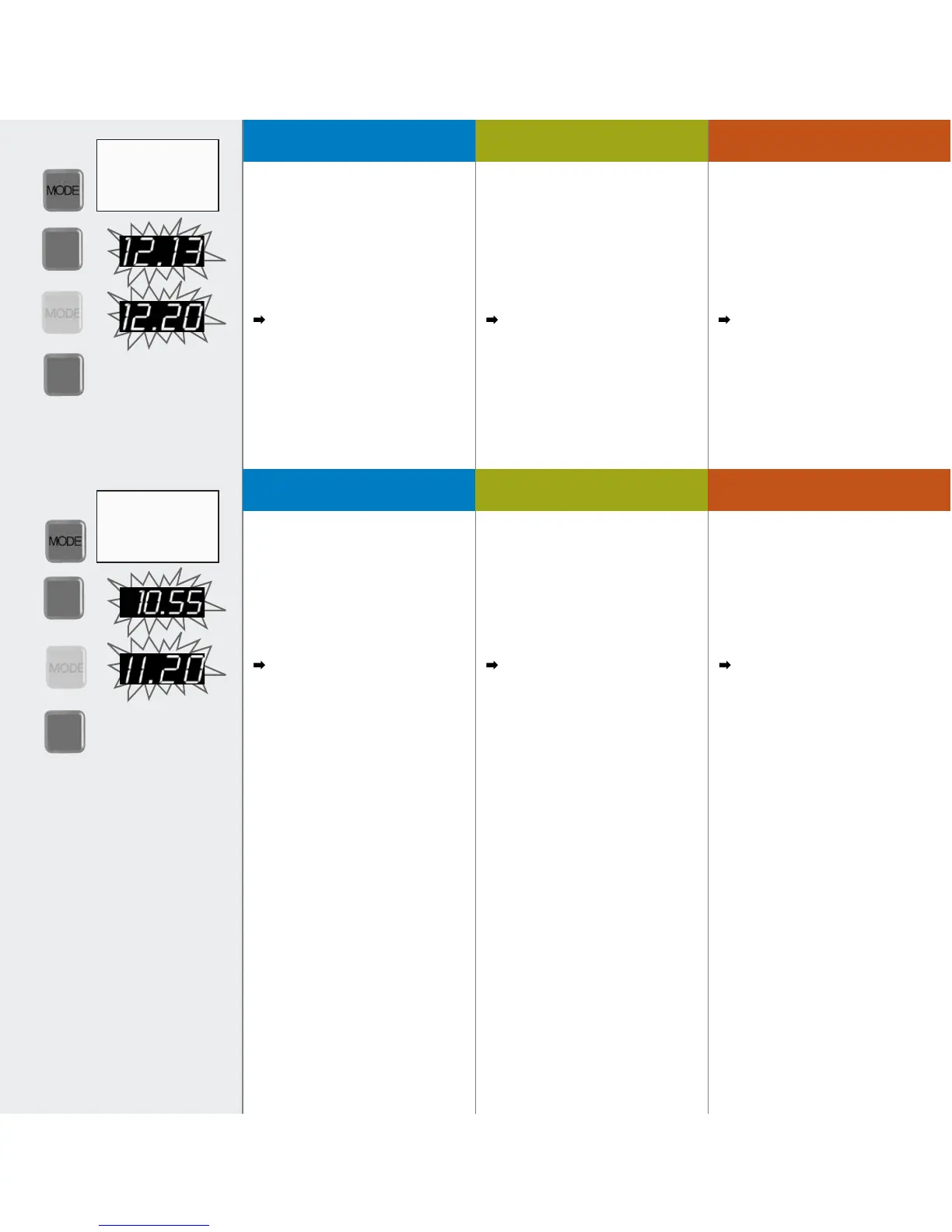
1. Mit der MODE-Taste auf
PUMP% Flow rate.
2. MAX/CAL-Taste drücken
(Anzeige blinkt).
3. default-Taste drücken
(Anzeige blinkt).
4. Mit der MAX/CAL-Taste speichern.
Setzt gleichzeitig auch das
Volumen auf den Default-Wert zurück.
1. Change the mode to
PUMP% Flow rate.
2. Press the MAX/CAL key
(displayed value blinks).
3. Press the default key
(default value blinks).
4. Confirm with the MAX/CAL key.
At the same time, the volume is also
reset to the default value.
1. Passer avec la touche MODE sur
PUMP% Flow rate.
2. Presser la touche MAX/CAL
(l’affichage clignote).
3. Presser la touche default
(valeur par défaut clignote).
4. Mémoriser avec la touche MAX/CAL.
Le volume est également remis à sa
valeur par défaut.
Calibration par défaut (débit)Default calibration (flow rate) Default-Kalibration Fließrate
MAX
CAL
default
MAX
CAL
MAX
CAL
MAX
CAL
1
2
3
4
1
2
3
4
default
PUMP %. ● Flow rate
DISP
○ Volume
DISP
○ Time
PAUSE
○ Time
PUMP %. ○ Flow rate
DISP
● Volume
DISP
○ Time
PAUSE
○ Time
1. Mit der MODE-Taste auf
DISP Volume wechseln.
2. MAX/CAL-Taste drücken
(Anzeige blinkt).
3. default-Taste drücken
(Anzeige blinkt).
4. Mit der MAX/CAL-Taste speichern.
Setzt gleichzeitig auch die Fließrate
auf den Default-Wert zurück.
1. Change the mode to
DISP Volume.
2. Press the MAX/CAL key
(displayed value blinks).
3. Press the default key
(default value blinks).
4. Confirm with the MAX/CAL key.
At the same time, the flow rate is also
reset to the default value.
1. Passer avec la touche MODE sur DISP
Volume.
2. Presser la touche MAX/CAL
(l’affichage clignote).
3. Presser la touche default
(valeur par défaut clignote).
4. Mémoriser avec la touche MAX/CAL.
Le débit est également remis à sa
valeur par défaut.
Calibration par défaut (volume)
Default calibration (volume)Default-Kalibration Volumen



 To Next Page